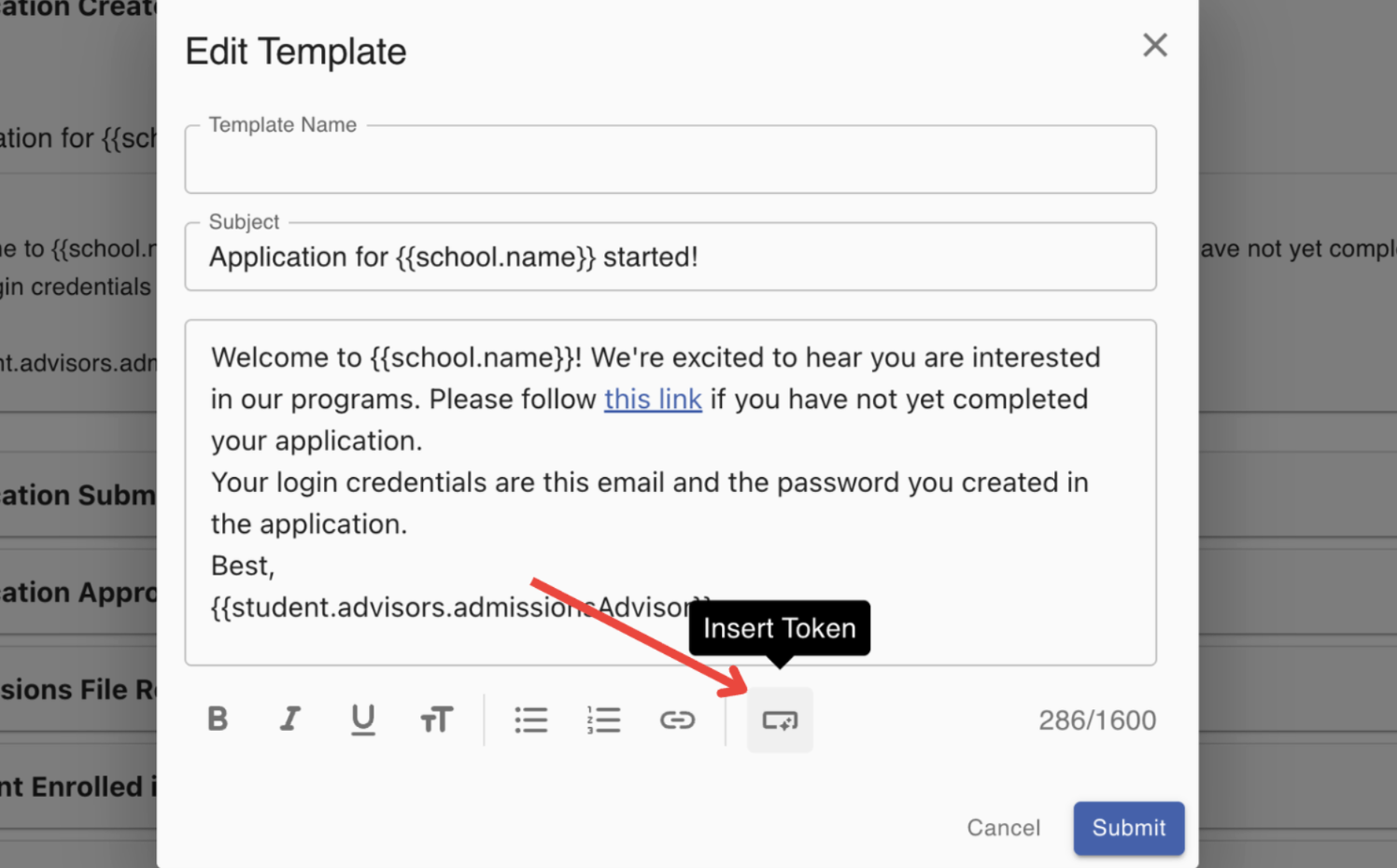
Editing Default System Notifications
Last updated: December 26, 2025
Video
Step-by-Step Guide
Welcome to MyPath! In this article, we will guide you through the process of editing the default system notification copy that is sent out to students.
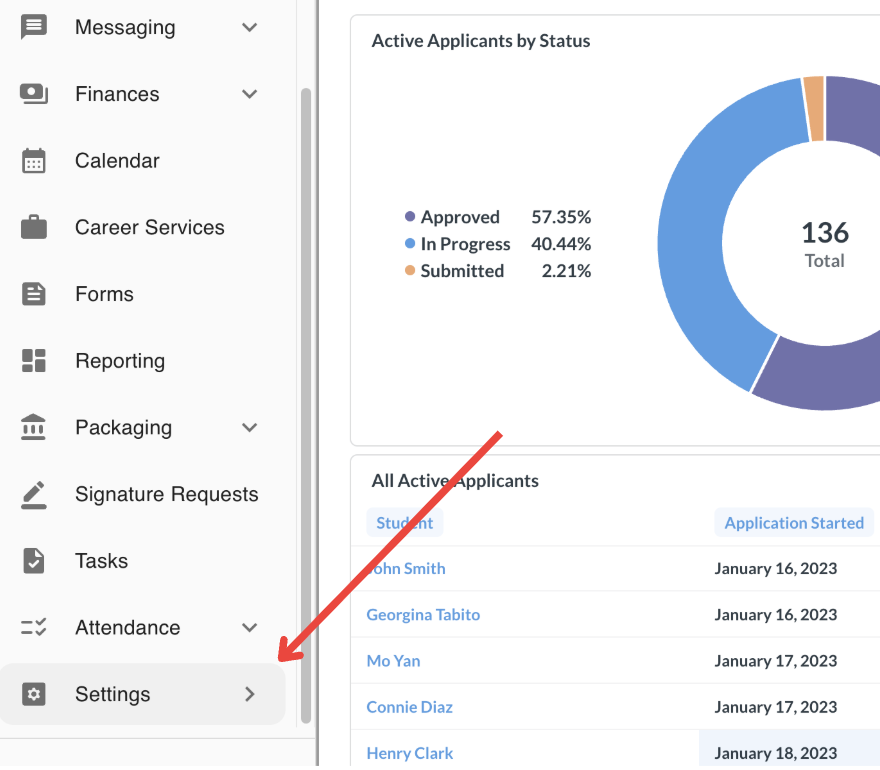
Step 1: Navigate to the Settings section in MyPath
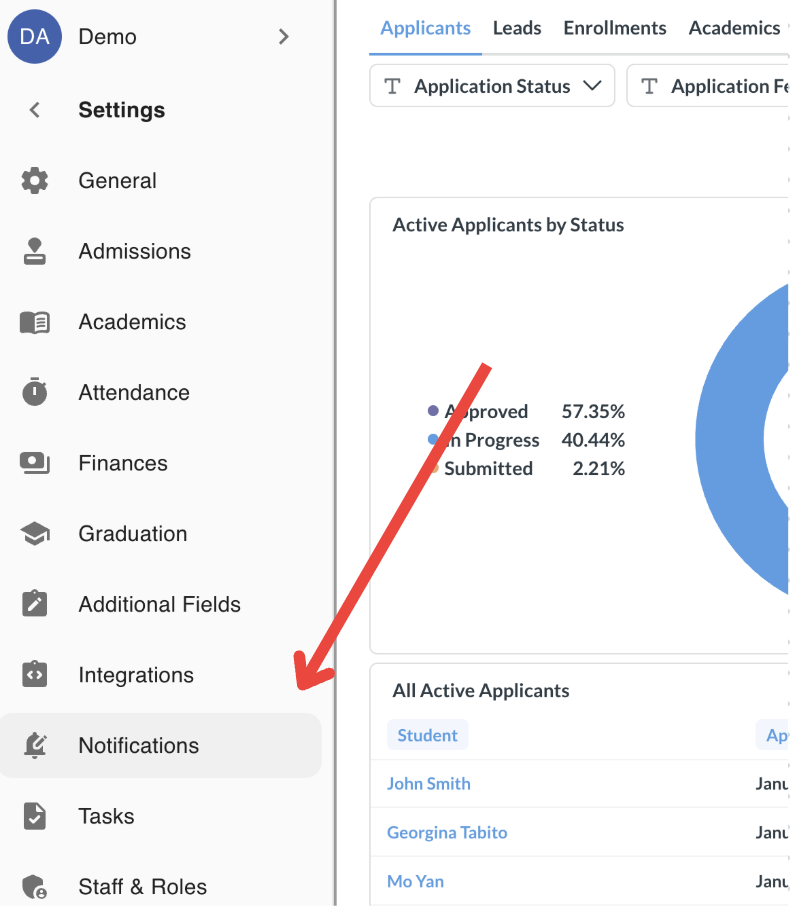
Step 2: Click on the Settings > Notifications page
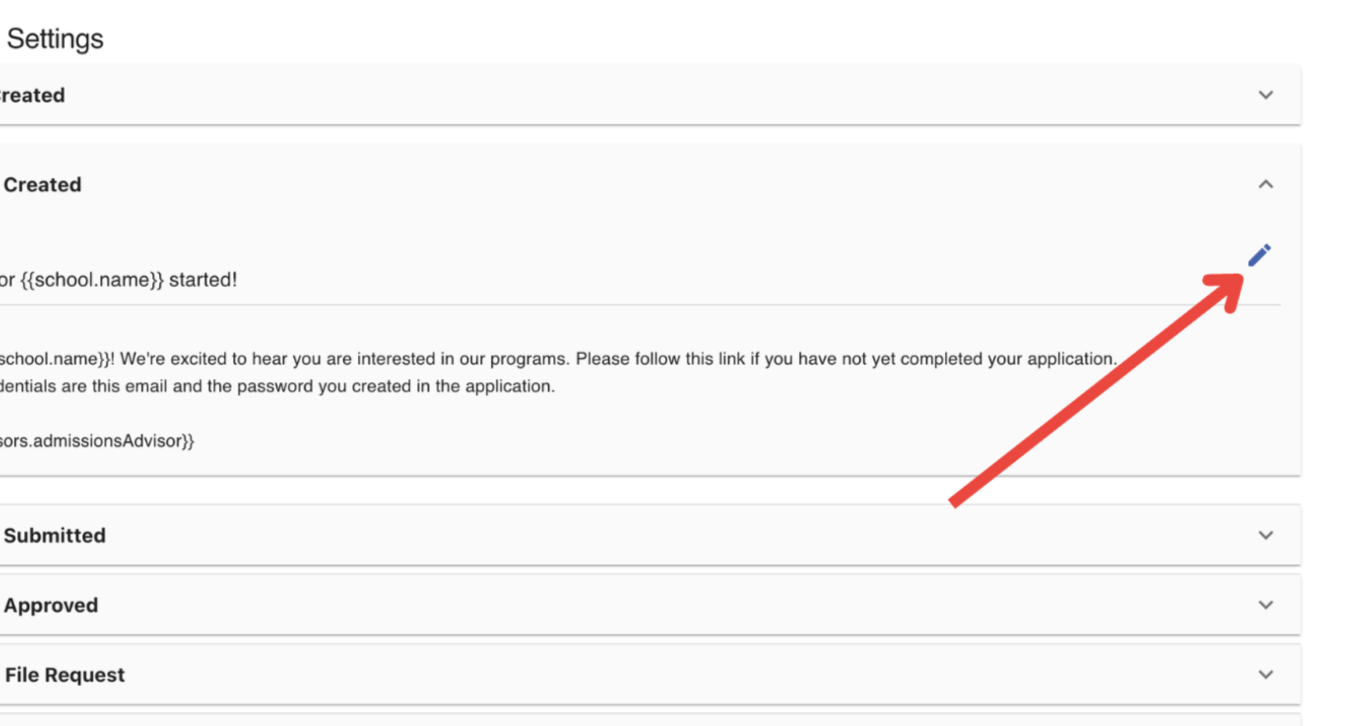
Step 3: Expand the accordion for the Notification to be edited
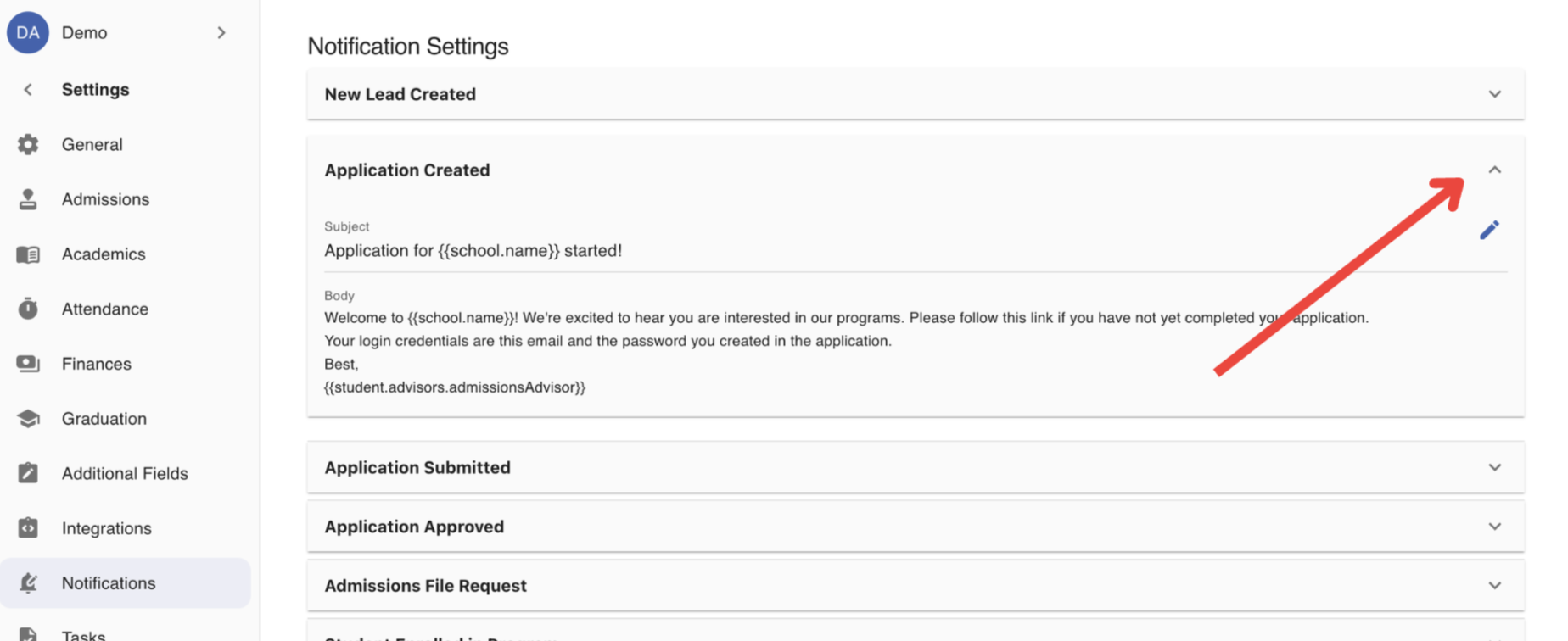
Step 4: Click the edit icon to modify the Notification copy
Step 5: Modify the copy using the editor
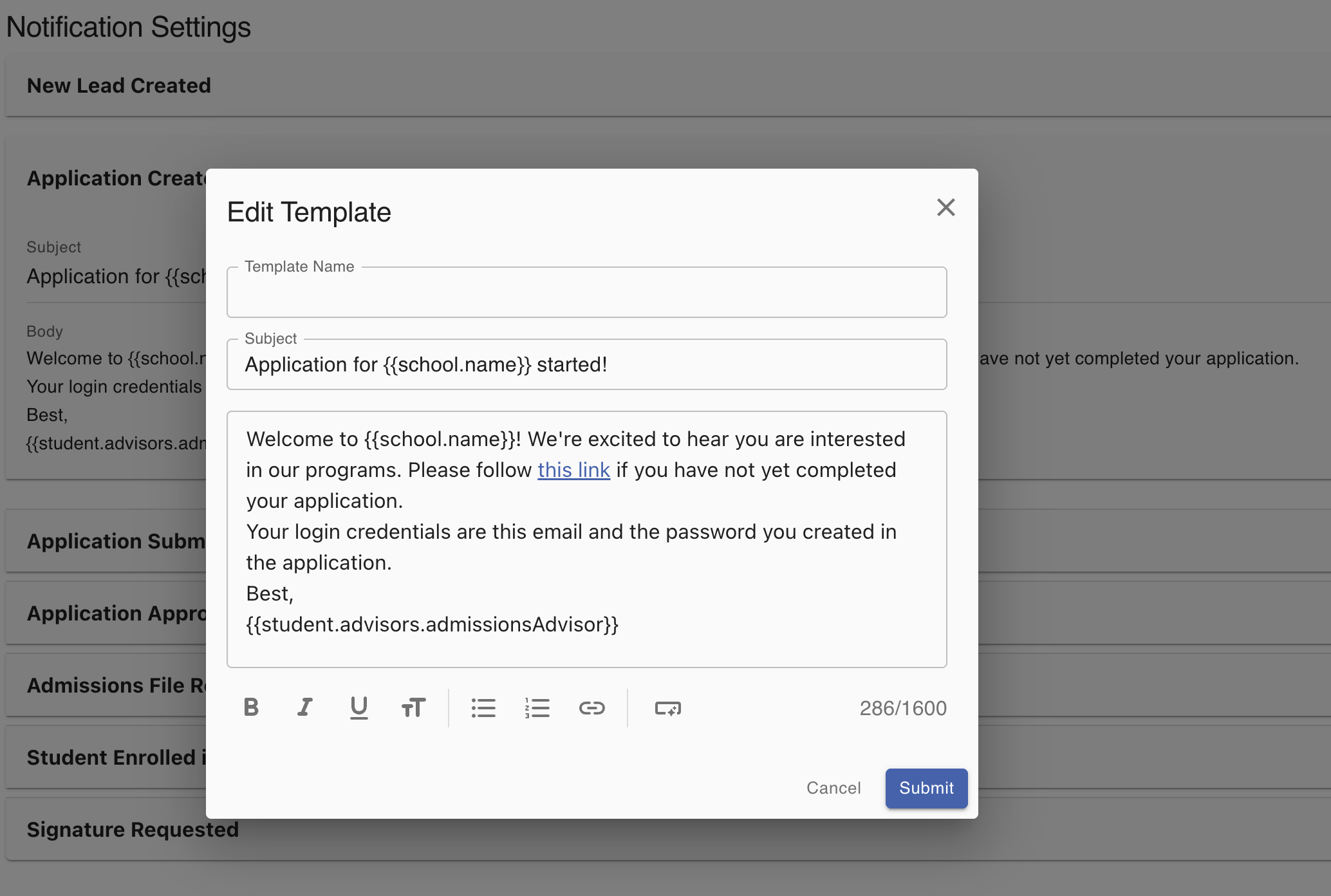
Optional: Use the "Insert Token" feature to inject recipient specific properties when the email is sent.