Adding a New Campus
Last updated: February 5, 2026
Video
Step-by-Step Guide
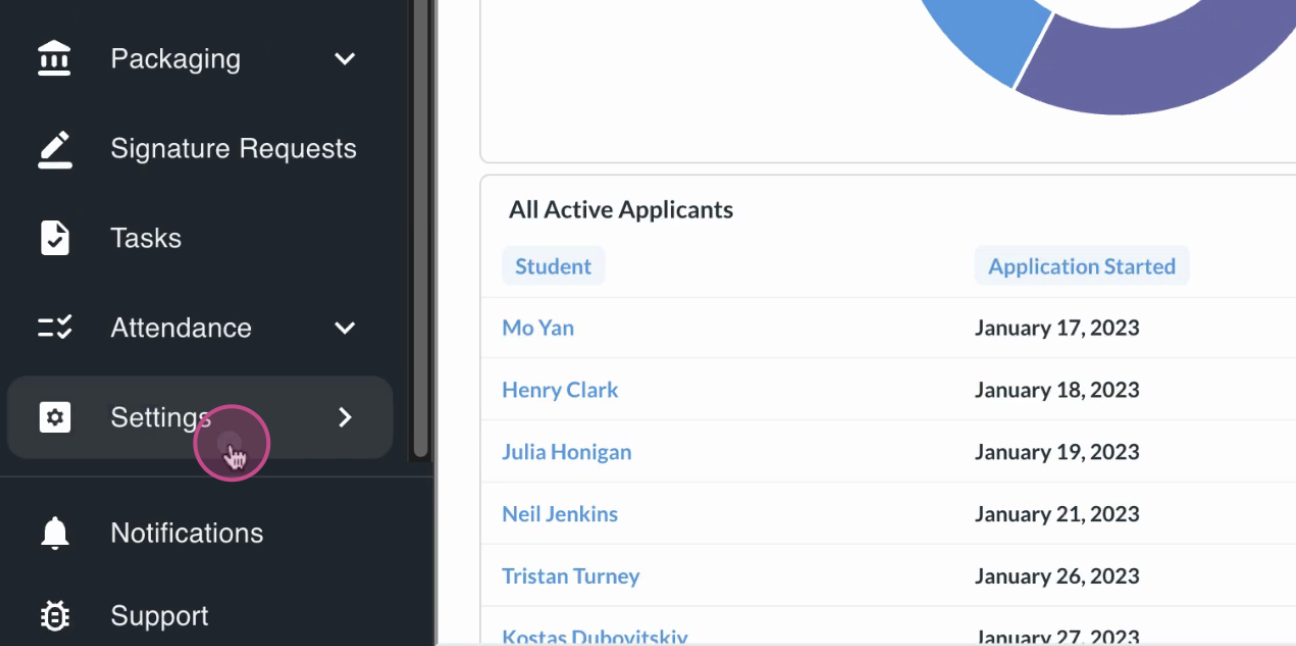
Open the Settings section in MyPath.
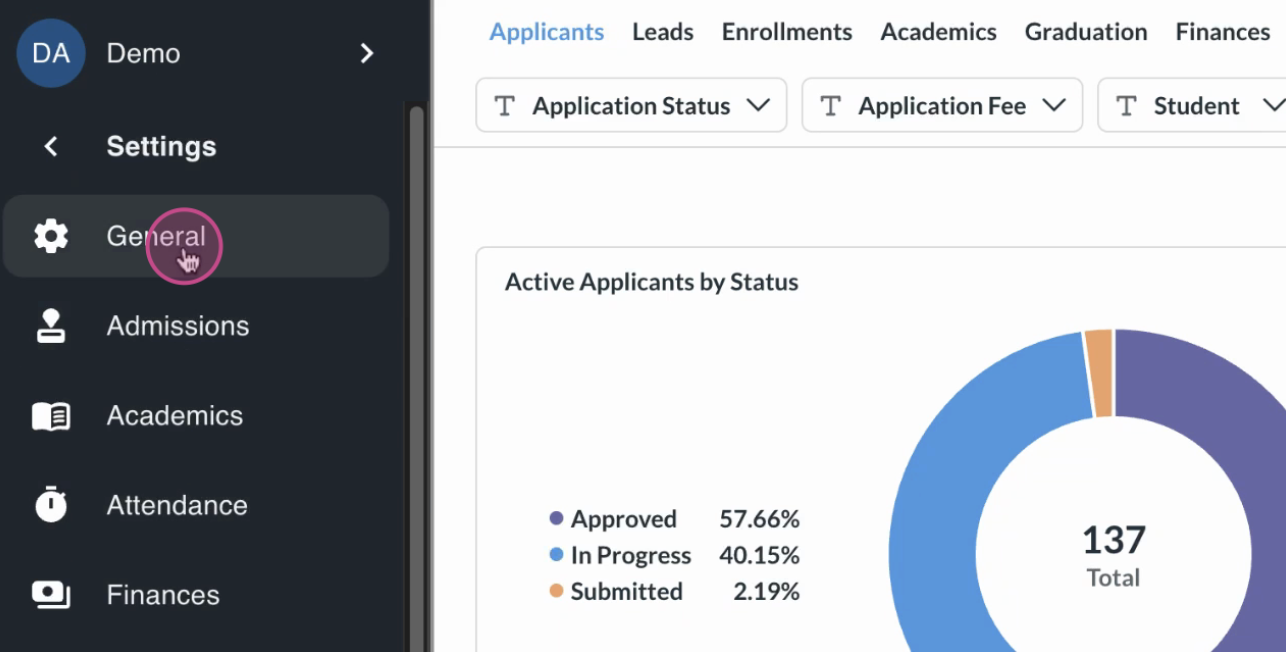
Click General to open the general settings page.
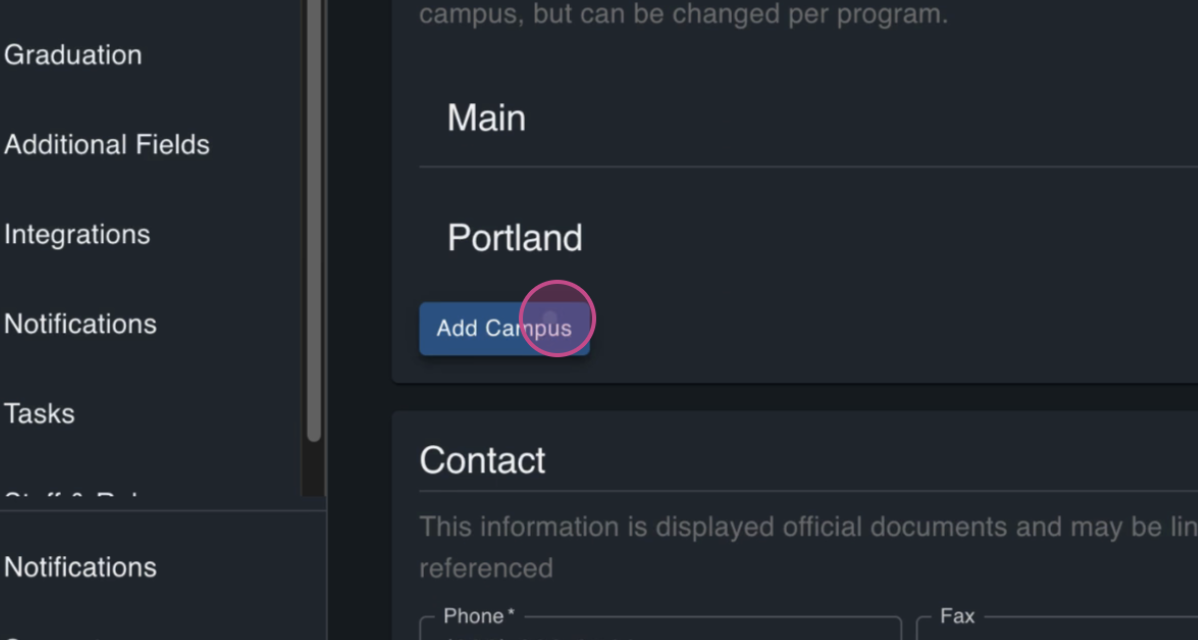
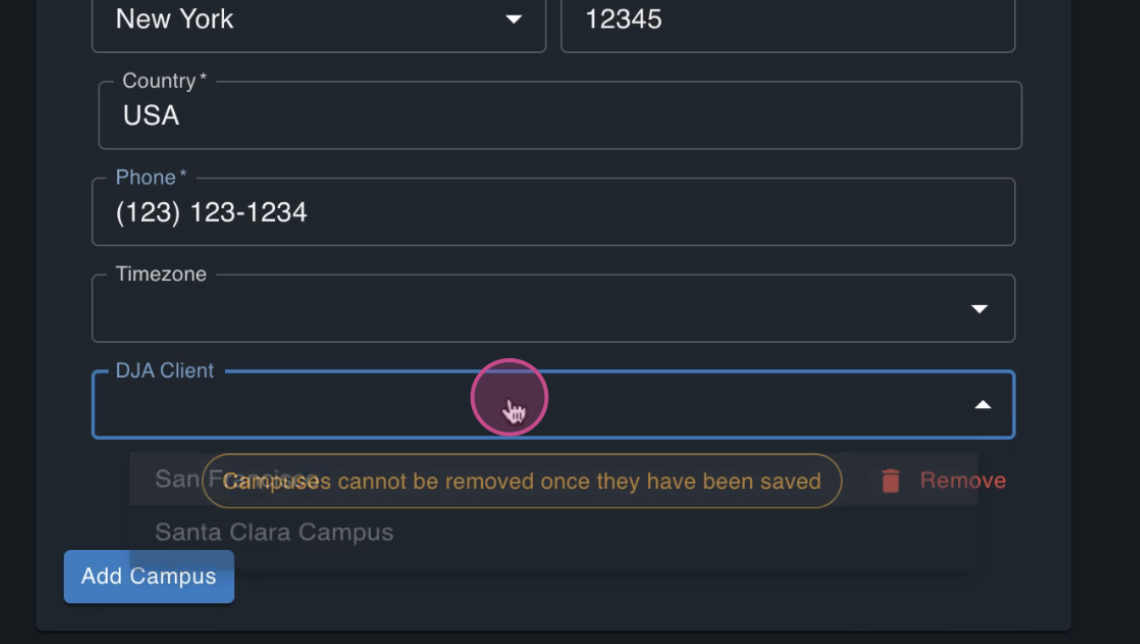
Scroll down to the campuses section on the General page and click the Add Campus button.
Enter the campus name and any relevant details such as the address.
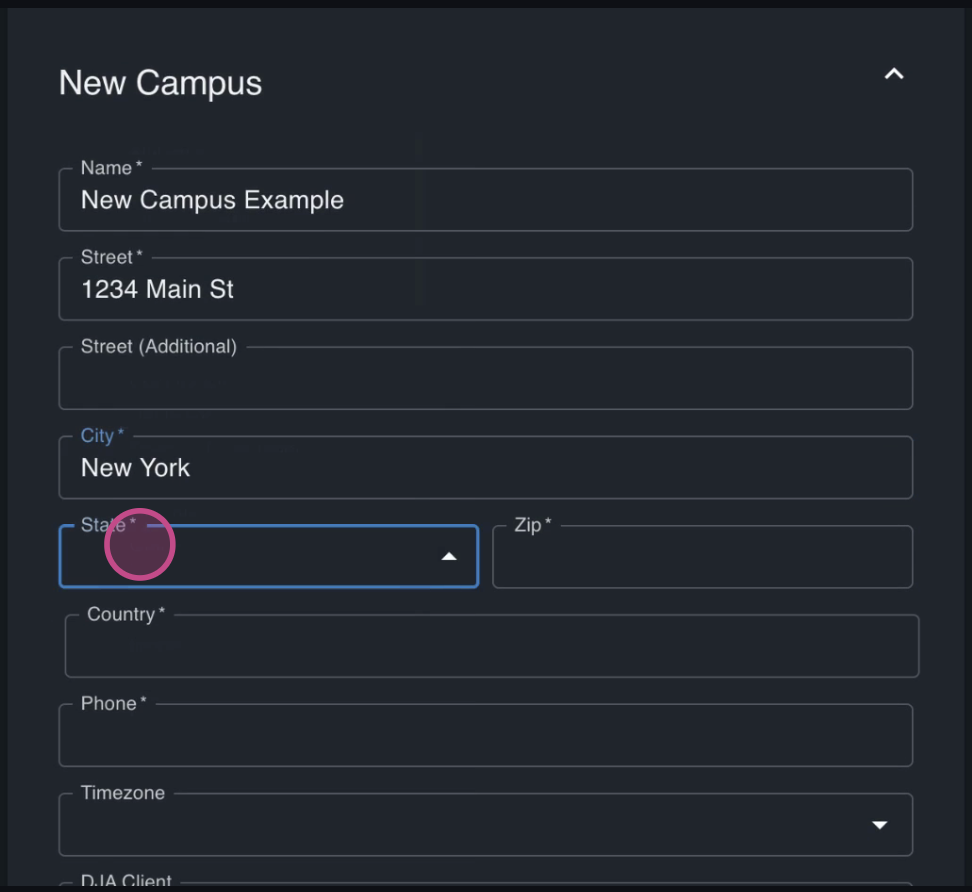
If you're using the DJA integration, select a DJA client for this campus.
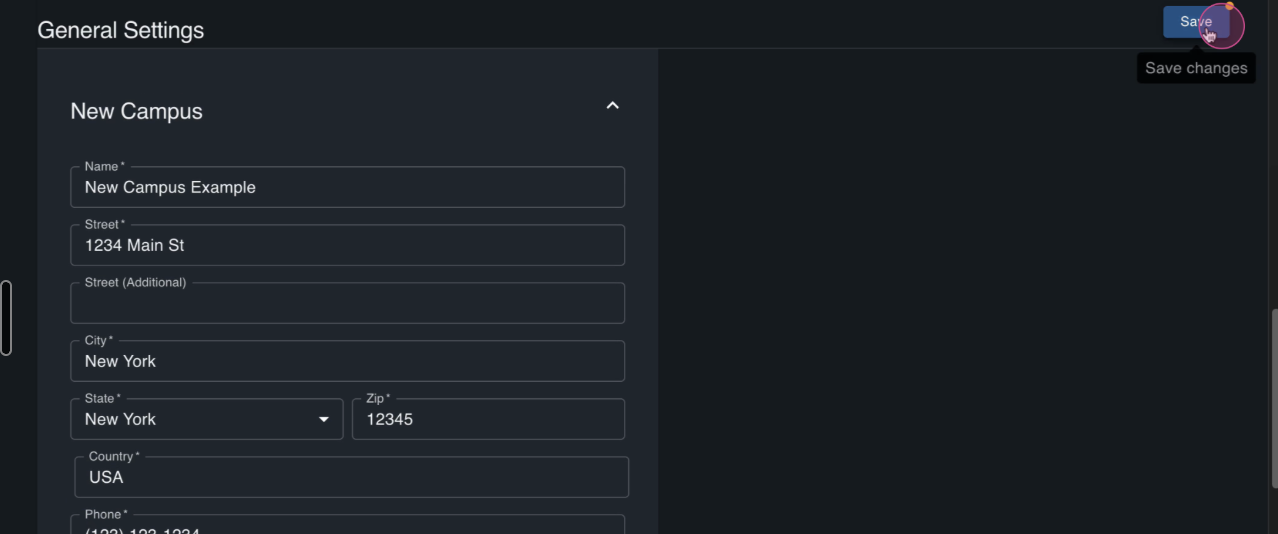
Click Save to store the new campus and confirm the new campus appears in the campus list.
Navigate to the Programs table. Select "Add Program".
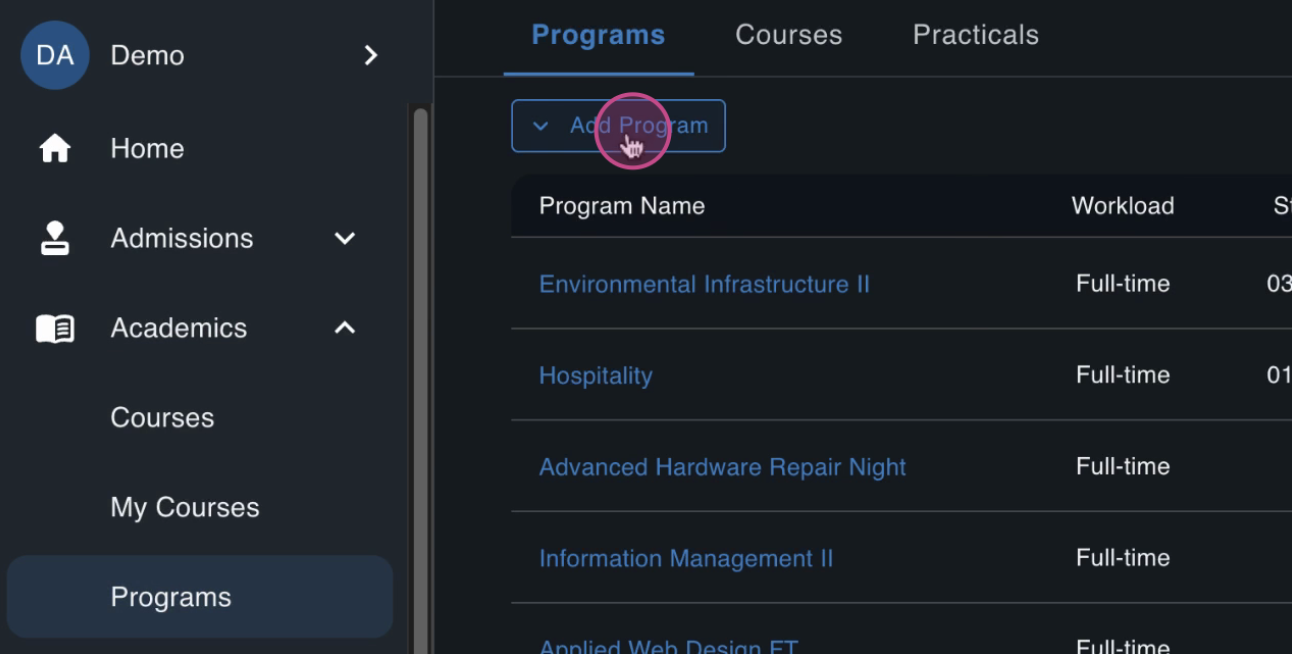
When creating the program, select the new campus from the campus options.