Graduating Students
Last updated: December 31, 2025
Video
Step-by-Step Guide
Welcome to this tutorial on MyPath. By the end of this guide, you'll know how to graduate students who are currently enrolled in a program in the MyPath environment.
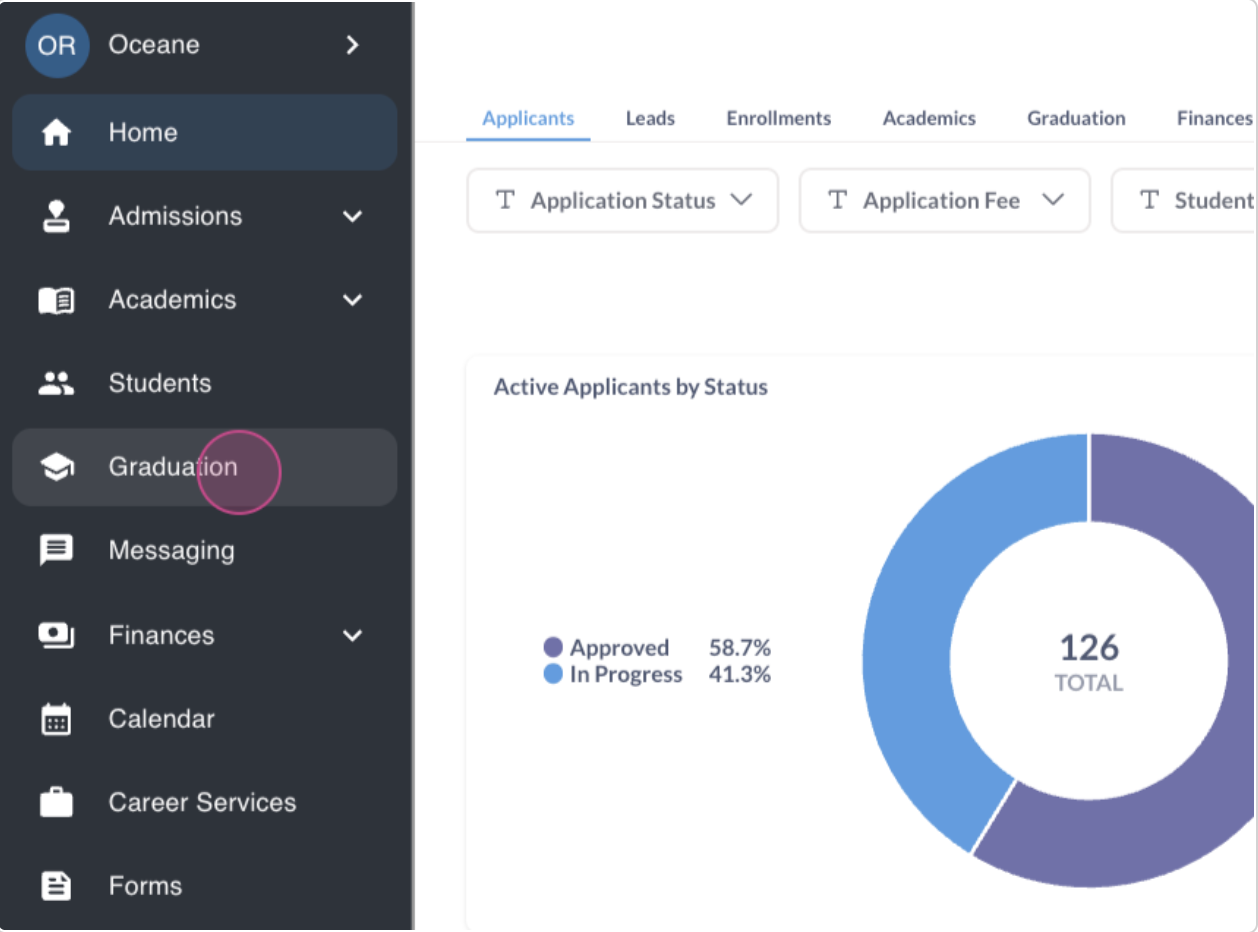
Step 1: Start by navigating to the graduation module. Here, you'll see students who are nearing or have exceeded their graduation eligibility threshold.
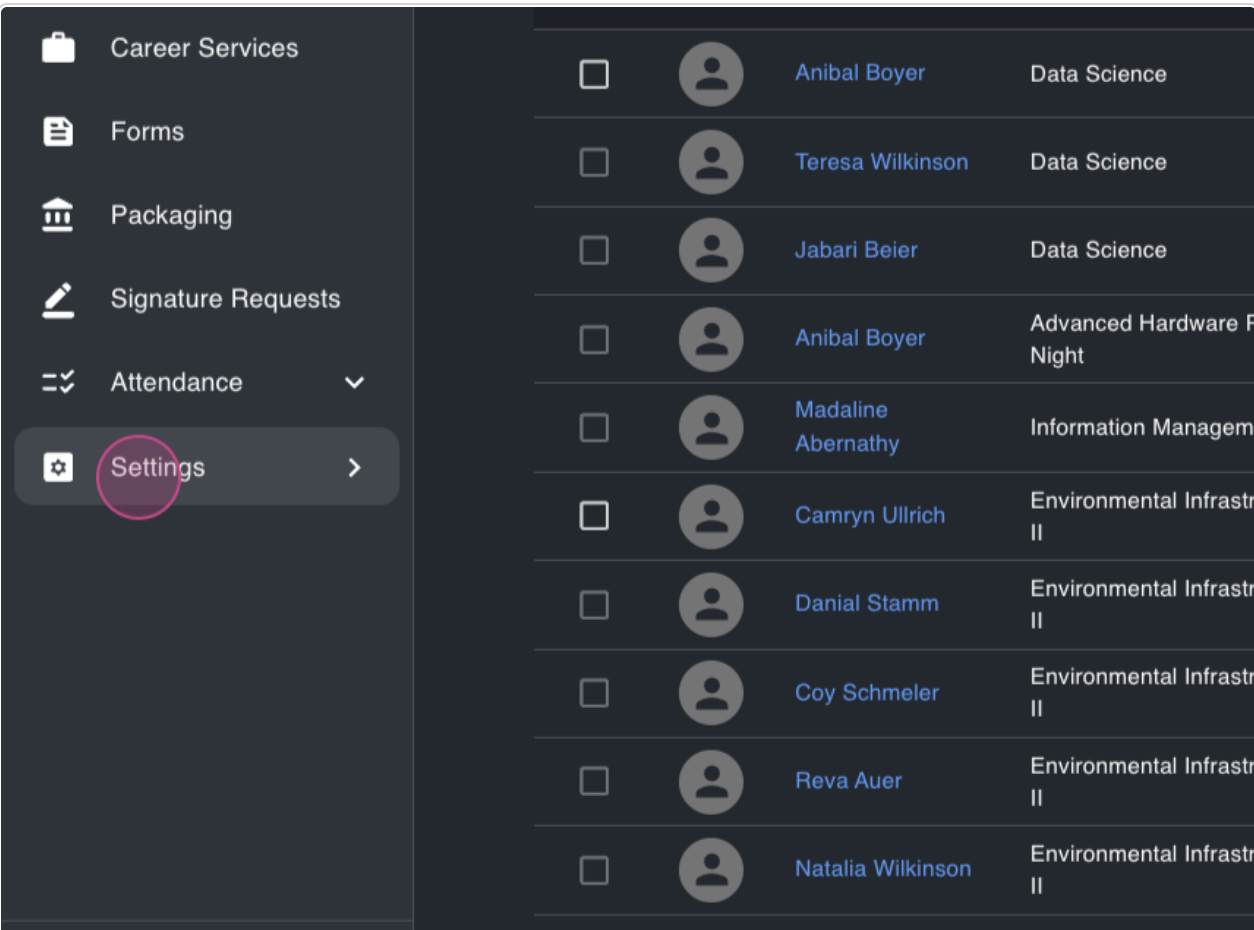
Step 2: To understand the graduation eligibility threshold, navigate to settings.
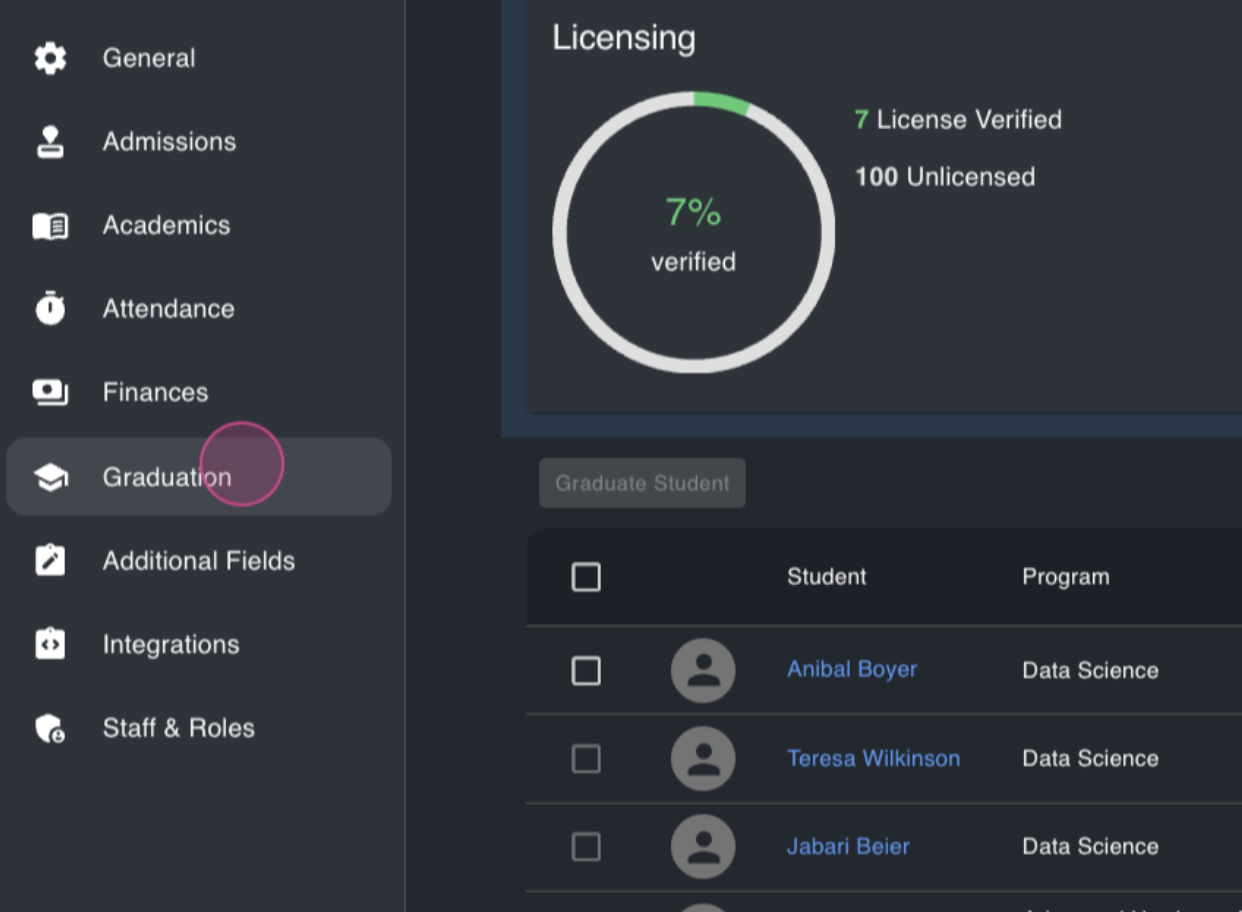
Step 3: From settings, proceed to the graduation section.
Step 4: Here, you'll find the student's graduation eligibility threshold. This represents the percentage of the program a student needs to complete to appear in the graduation module.
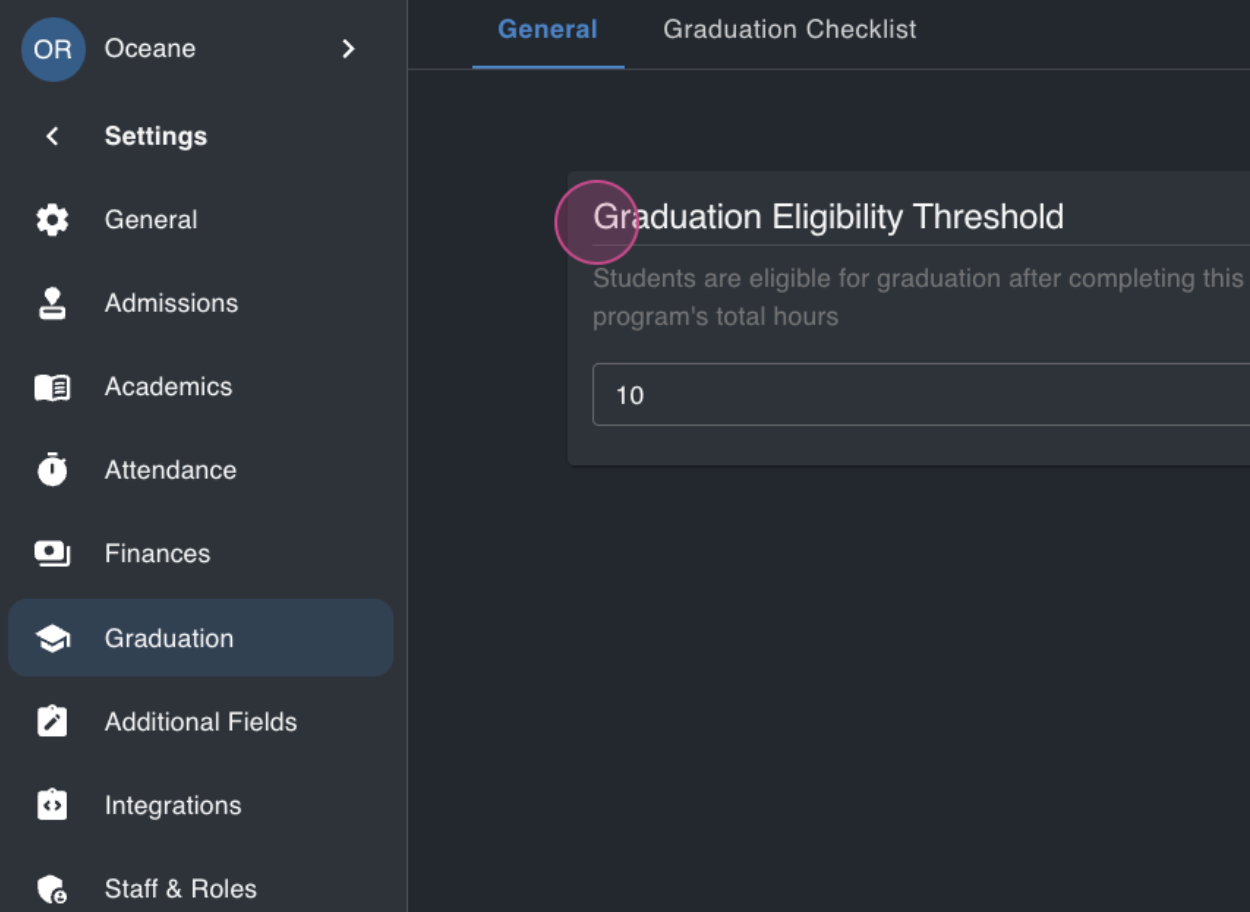
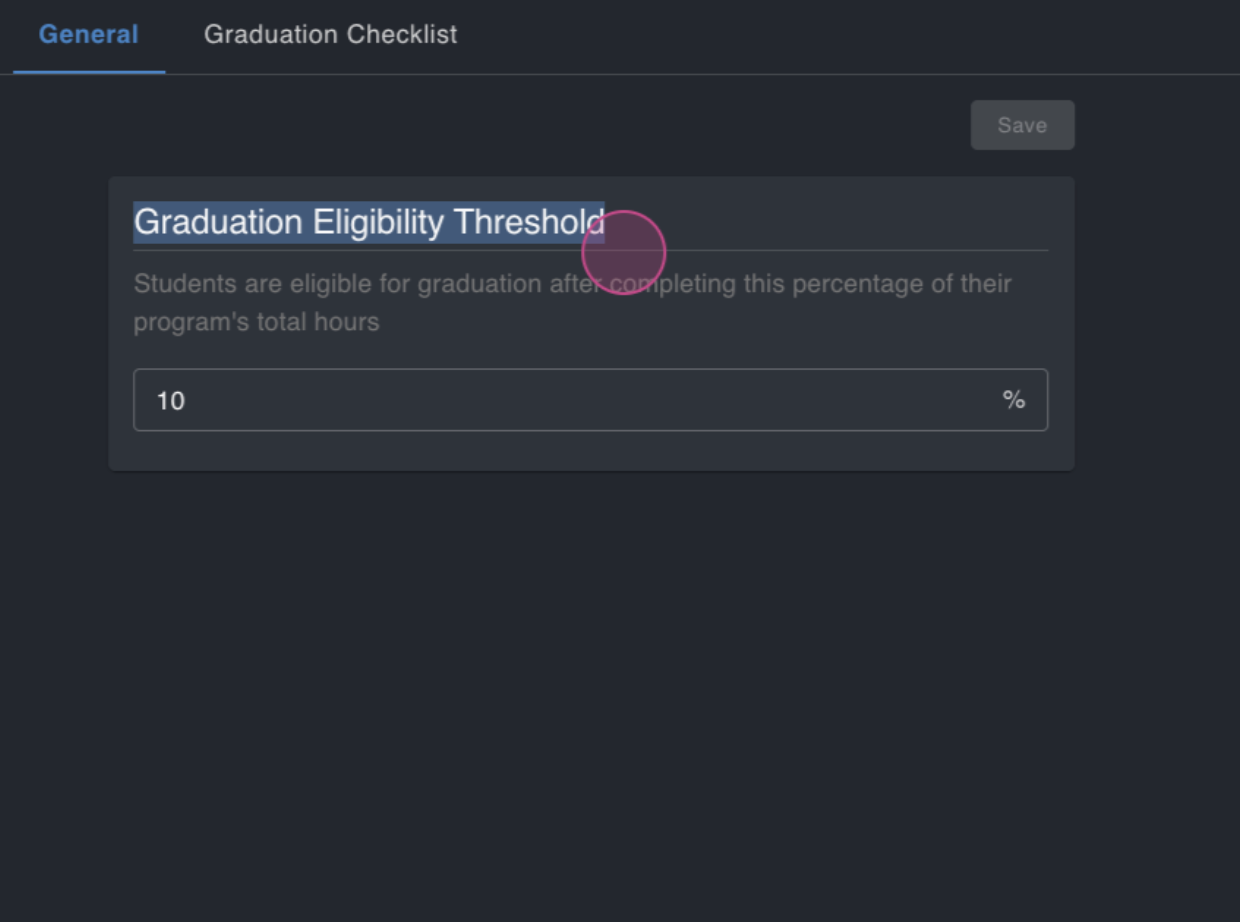
In this demo, the threshold is set at 10%. However, this varies from school to school. Some set it at 90%, while others set it at 0%, meaning all students automatically appear in the graduation module.
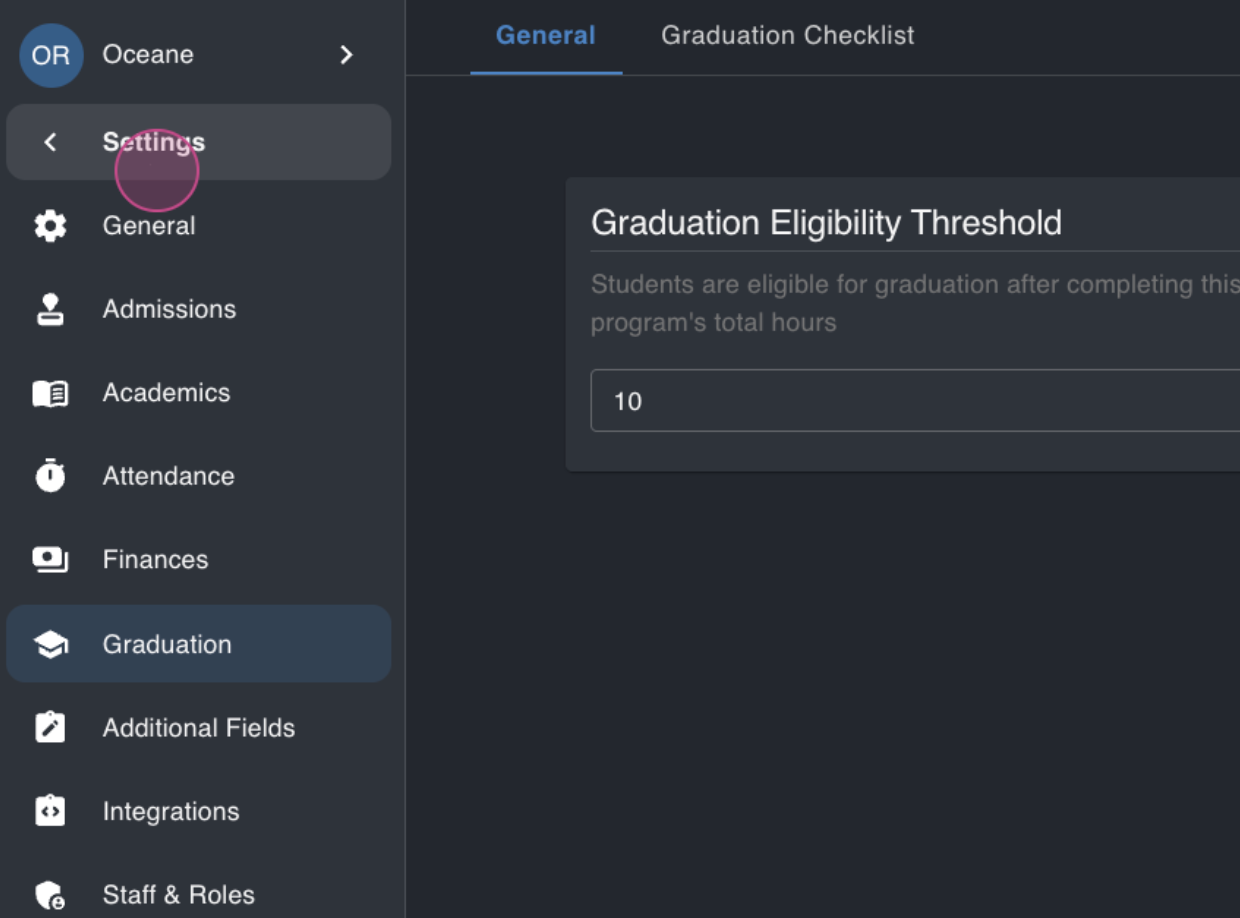
Step 5: After configuring the threshold, return to the graduation module.
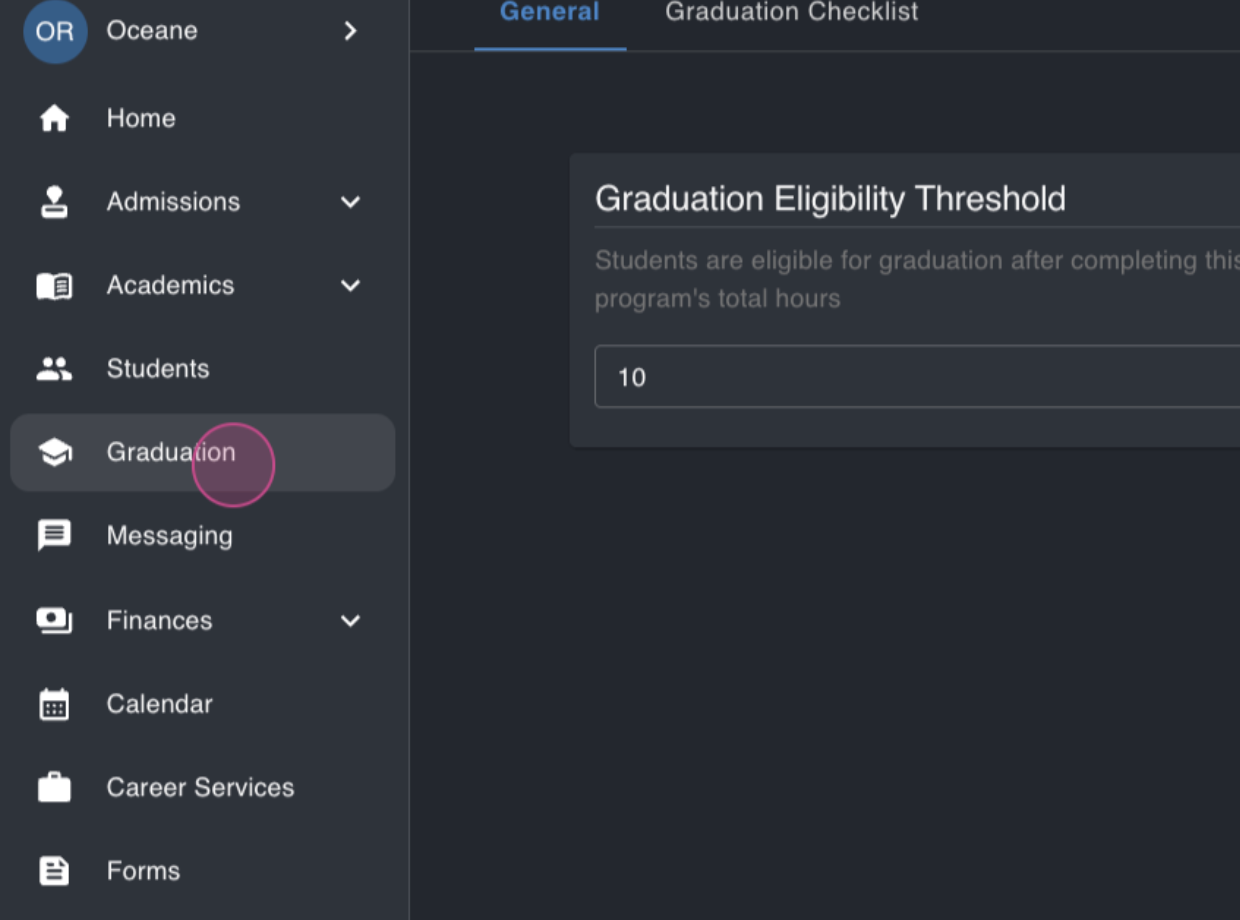
Here, you'll find students ready for graduation.
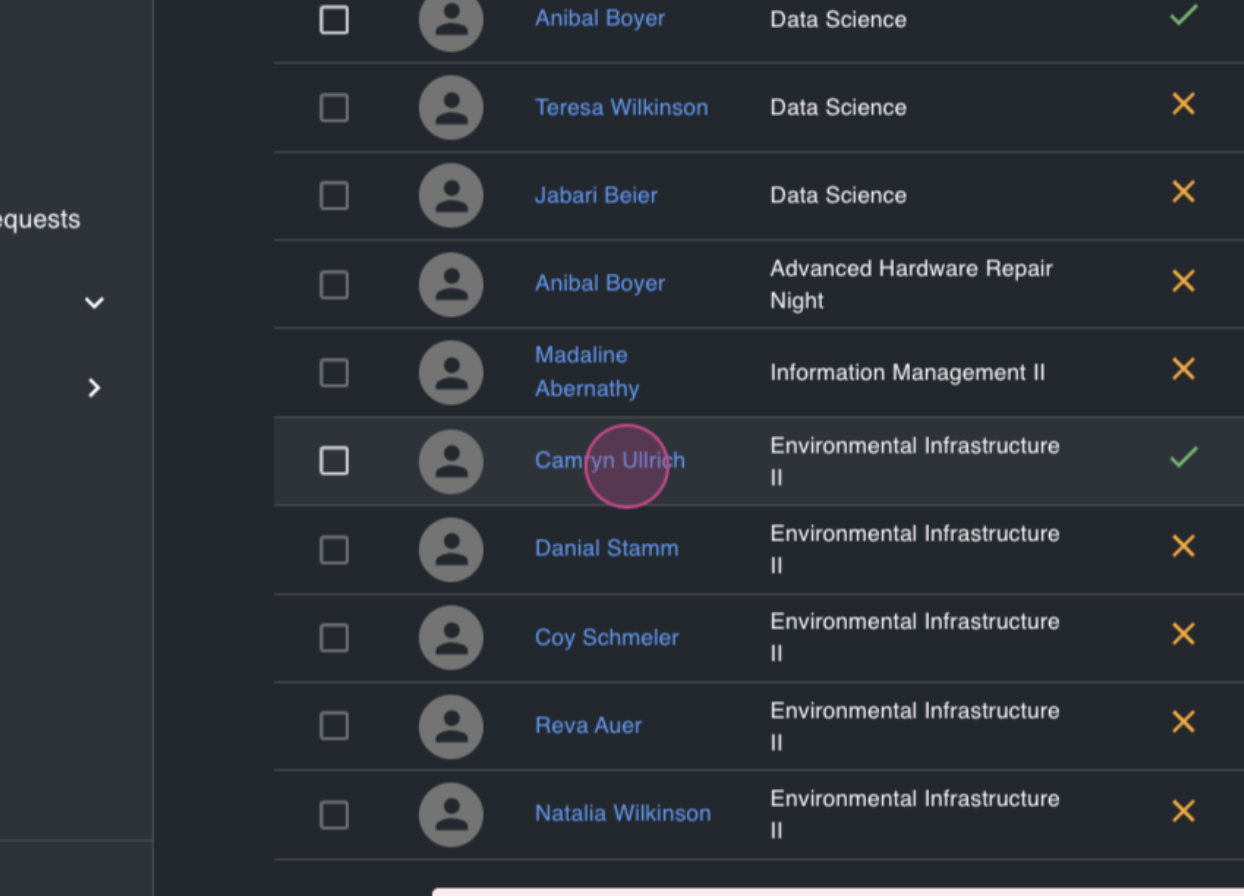
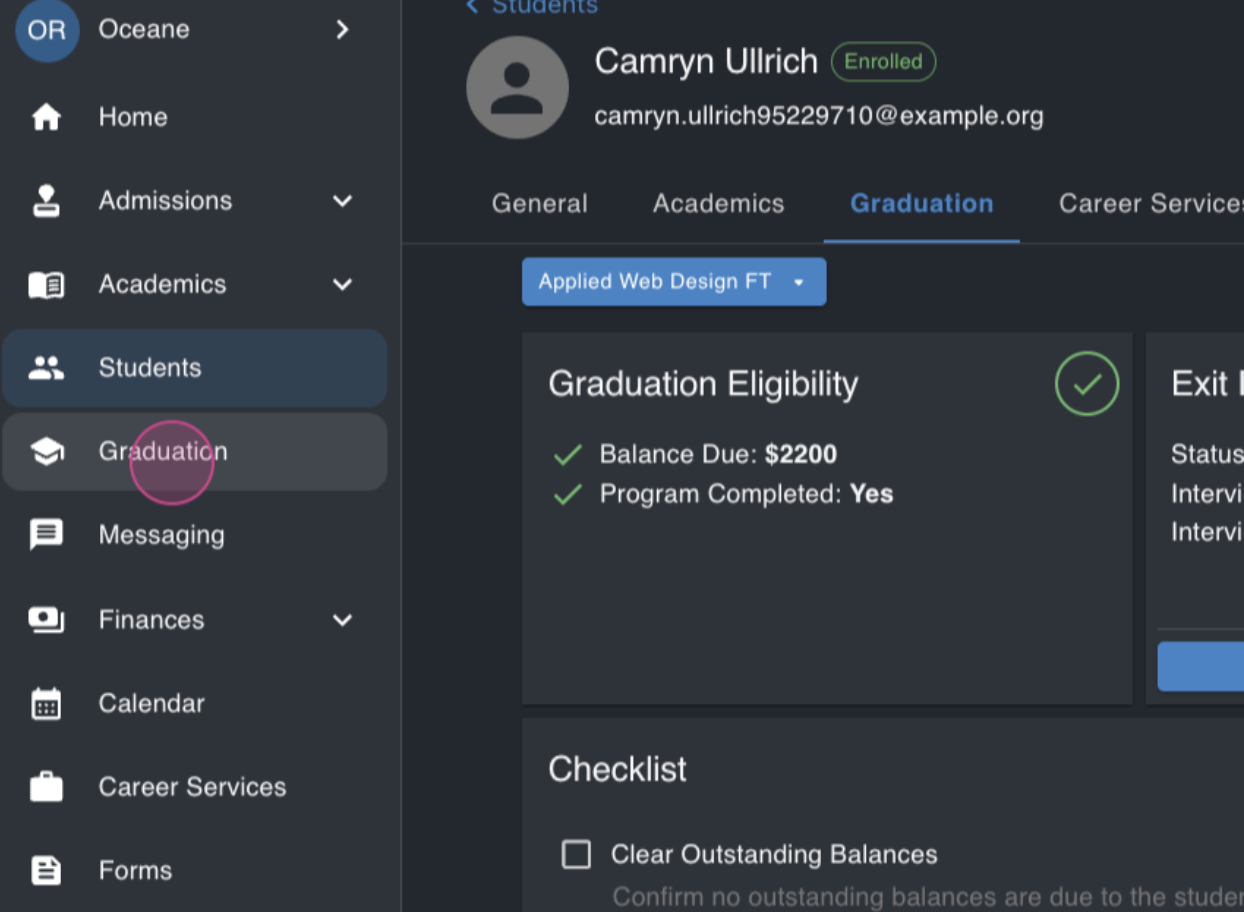
Step 6: Click on a student to view their details.
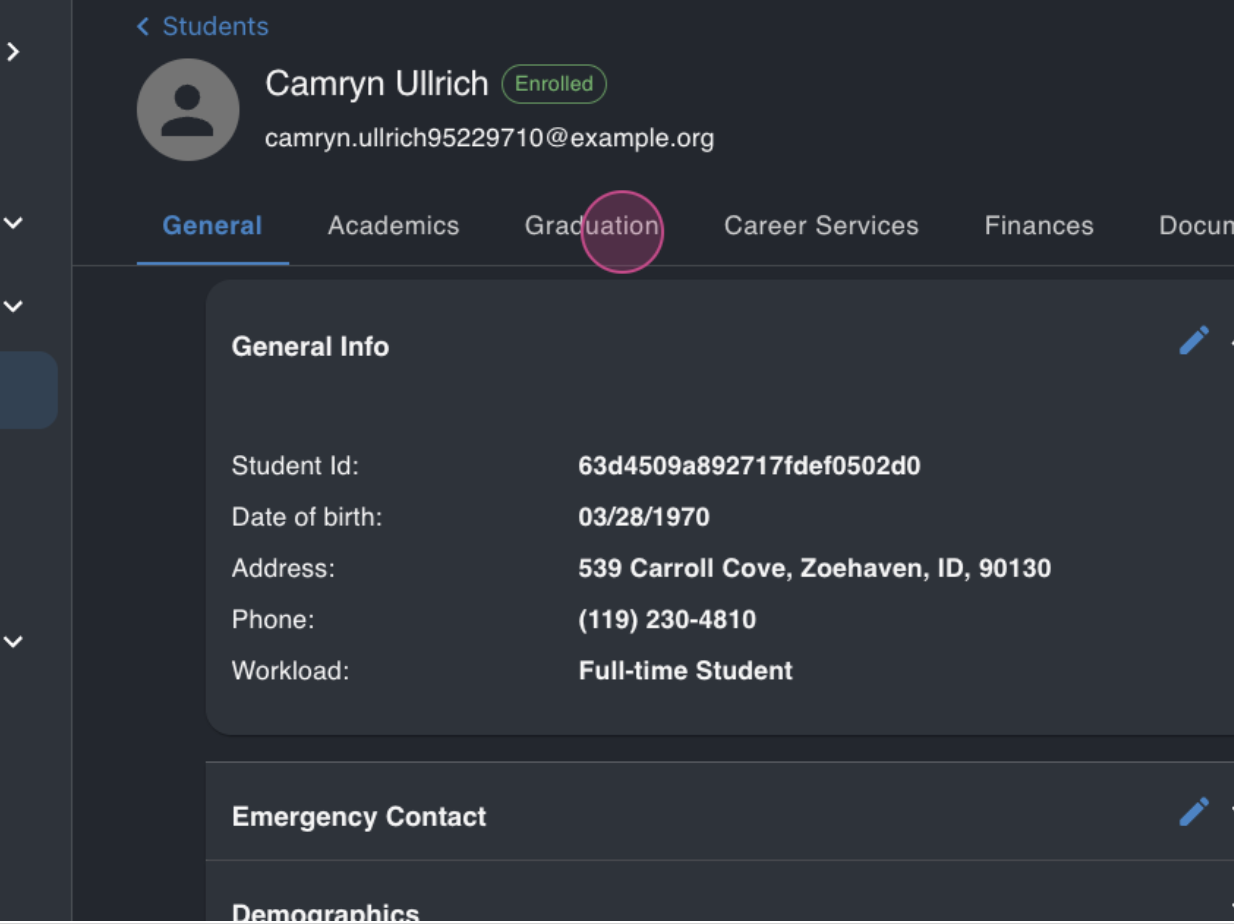
You'll see if the student has completed their program and whether they owe any money to the school.
Step 7: Back in the graduation module, let's look at another student, Annabelle.
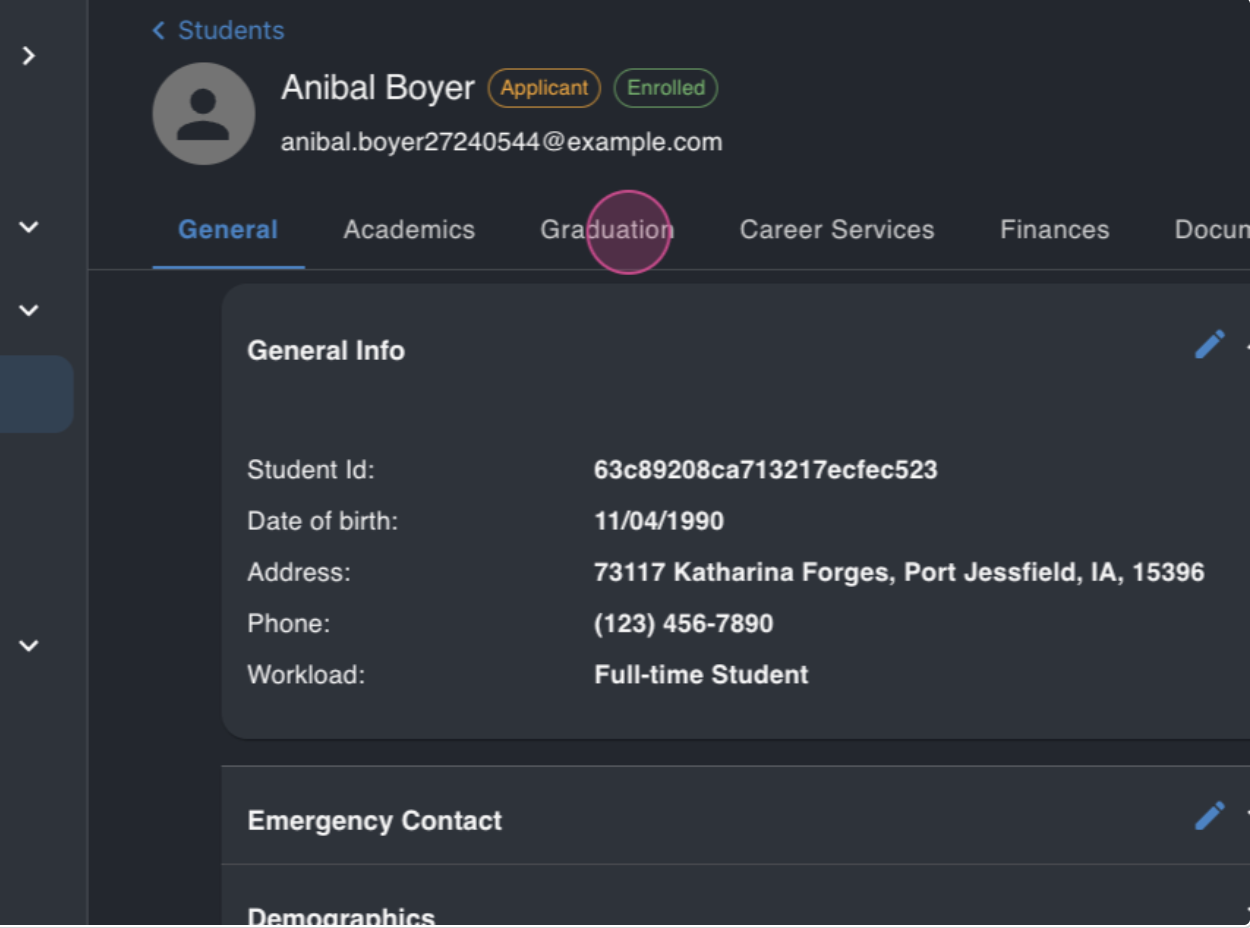
You'll see that she has also completed her program and doesn't owe any money.
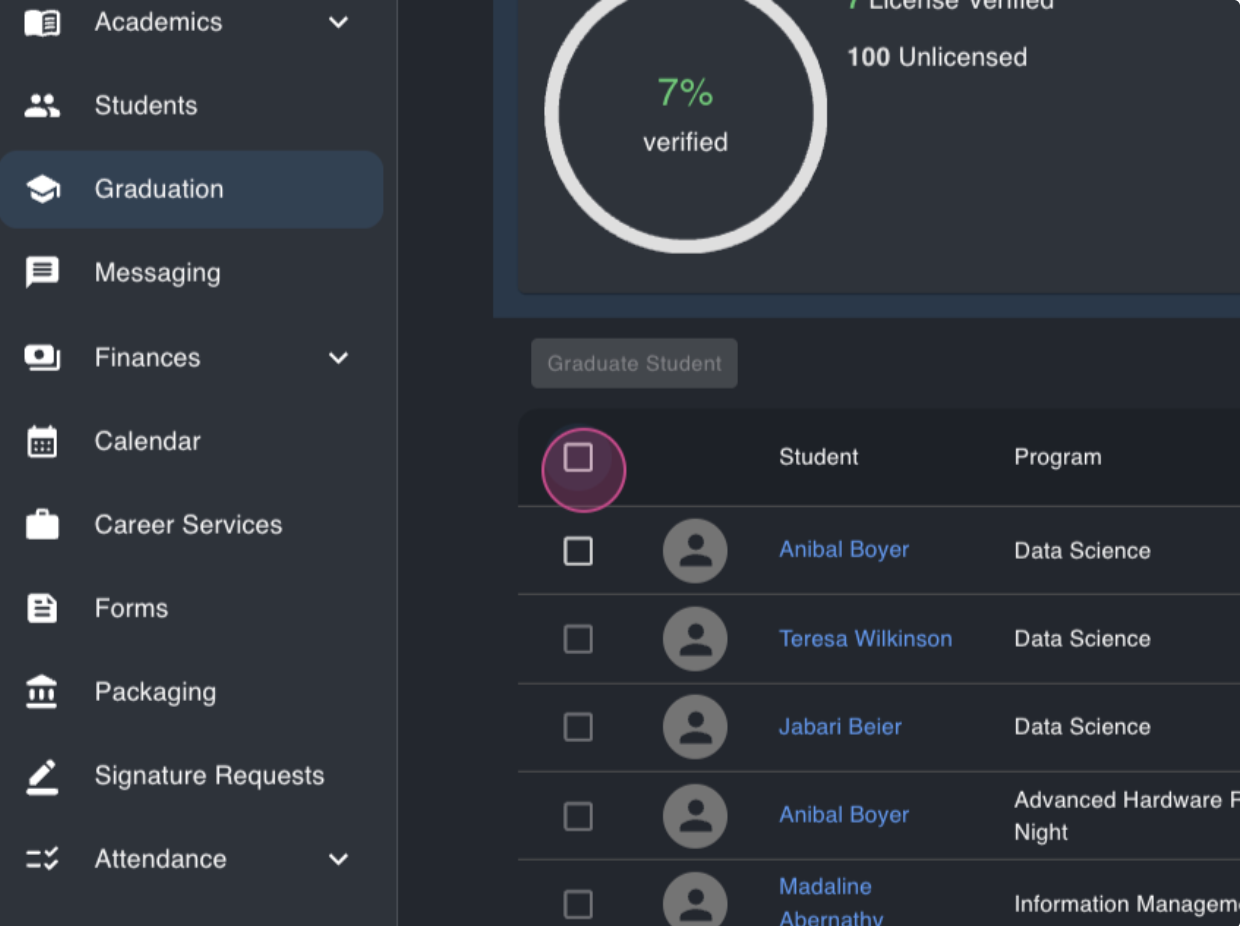
Step 8: Now, let's graduate these students. Select them and click the graduate students button.
Step 9: Enter the graduation date for these students. You can enter a future date or select a past one.
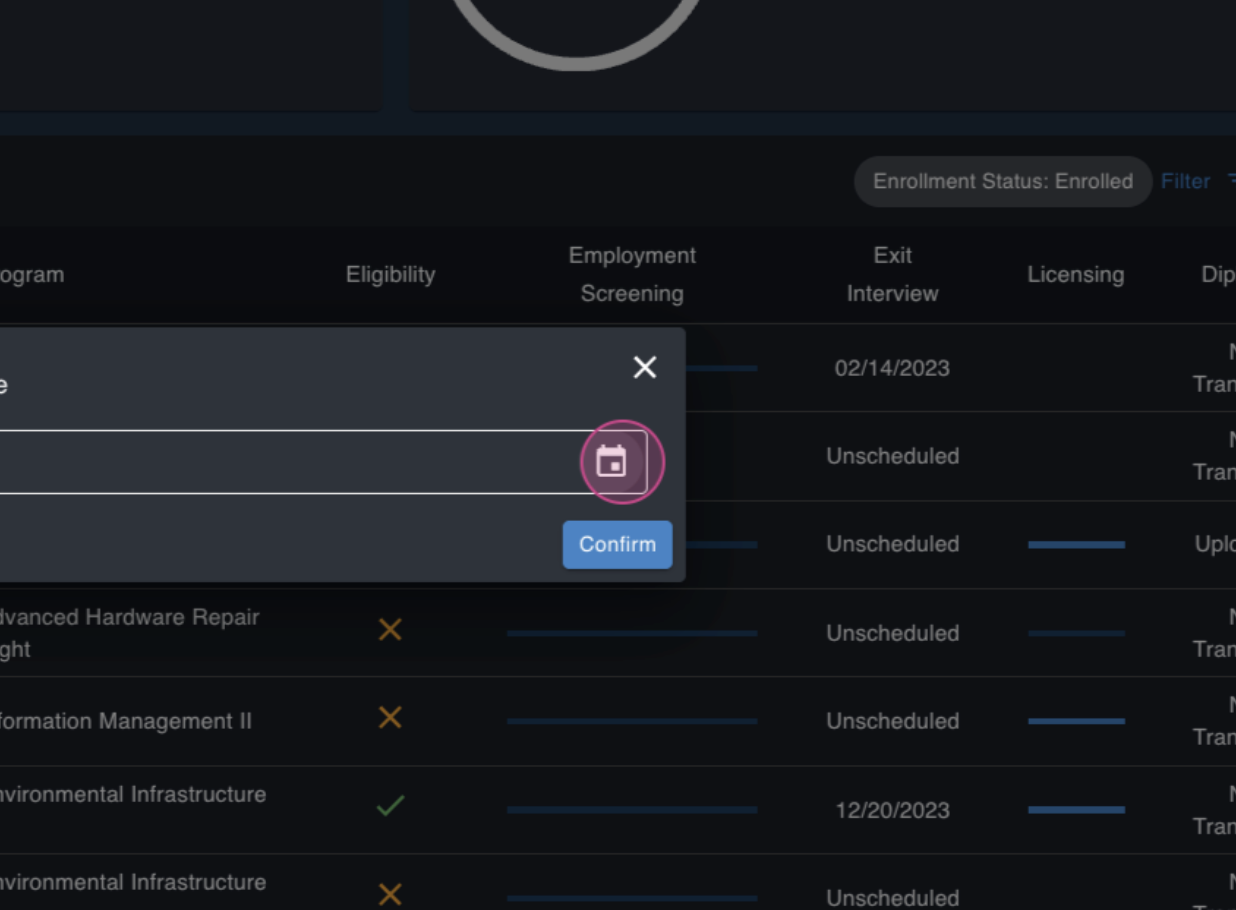
Step 10: Click confirm. The selected students are now graduated.
Step 11: To view all graduated students, apply the graduated filter.
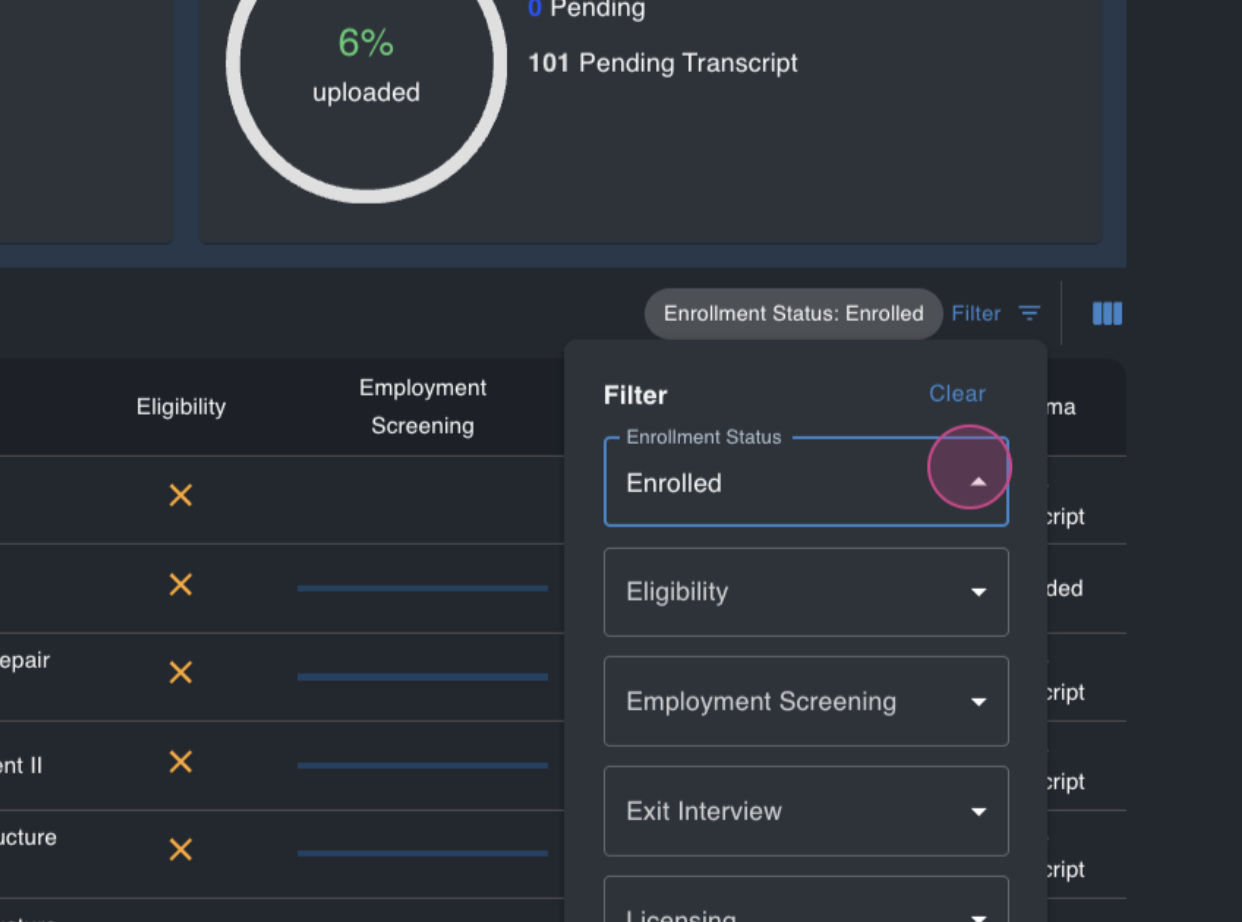
That's it! You've successfully graduated students in MyPath. If you have any questions, don't hesitate to reach out.
FAQs
What is the graduation eligibility threshold?
This is the percentage of the program a student needs to complete to appear in the graduation module. It can be configured from school to school.
What does it signify if I set the graduation eligibility threshold to 0%?
Setting the threshold to 0% means all students automatically appear in the graduation module once enrolled.
Can I enter a future graduation date for a student?
Yes, you can enter a future graduation date when graduating a student. The Graduation Date does not need to be today's current date.