Graduating Students
Last updated: December 29, 2025
Video
Step-by-Step Guide
Welcome to this tutorial on MyPath. By the end of this guide, you'll know how to graduate students who are currently enrolled in a program in the MyPath environment.
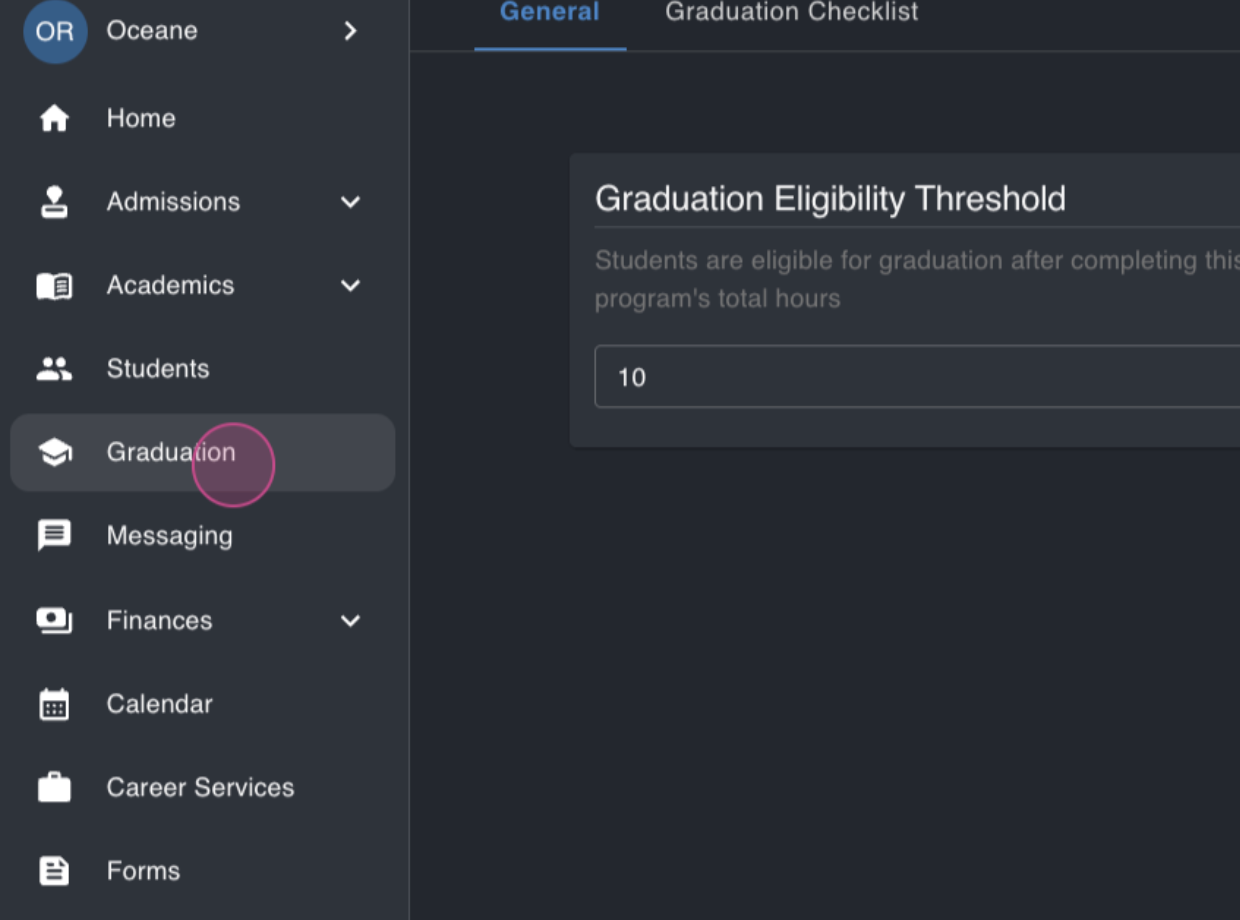
Step 1: Start by navigating to the graduation module. Here, you'll see students who are nearing or have exceeded their graduation eligibility threshold.
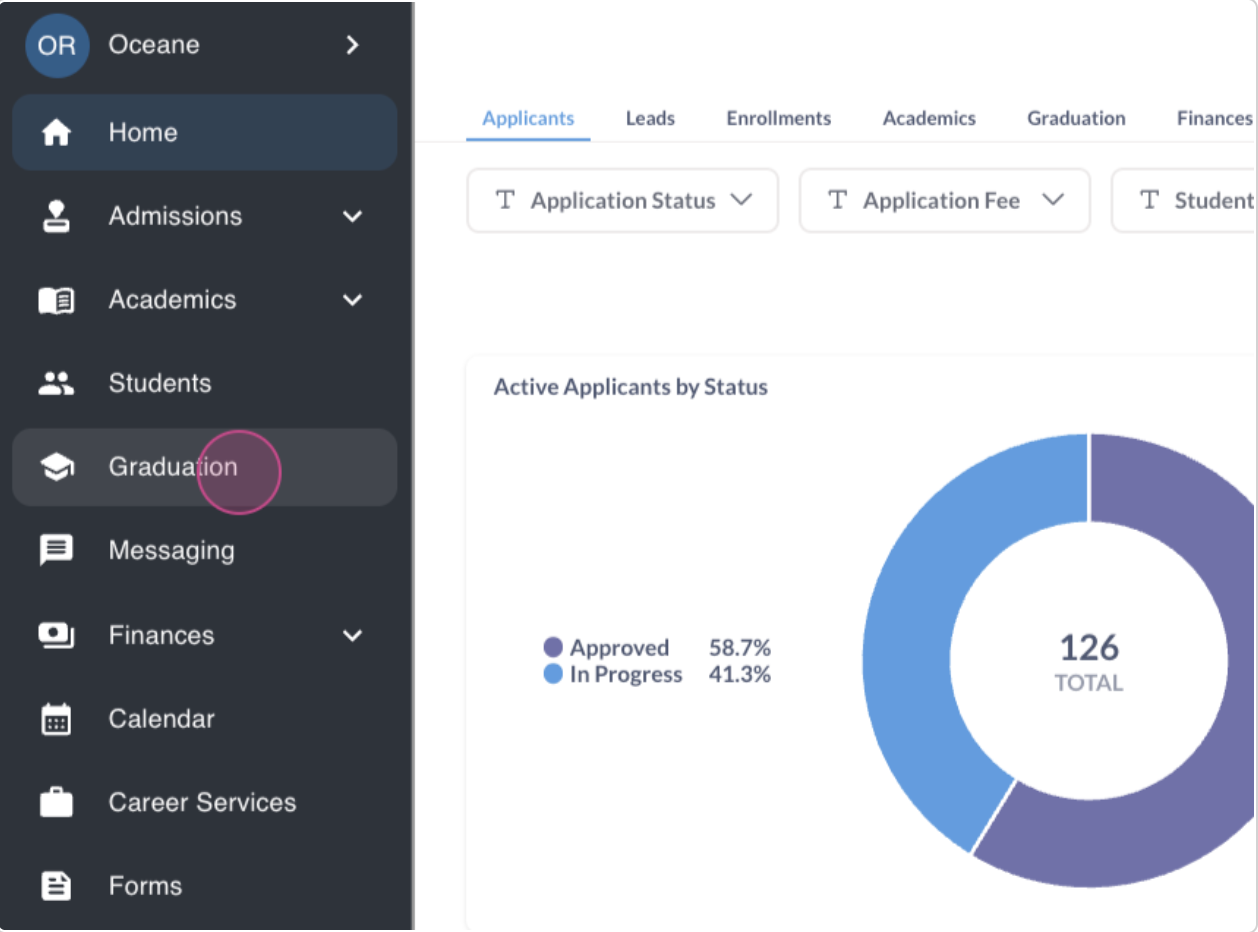
Step 2: To understand the graduation eligibility threshold, navigate to settings.
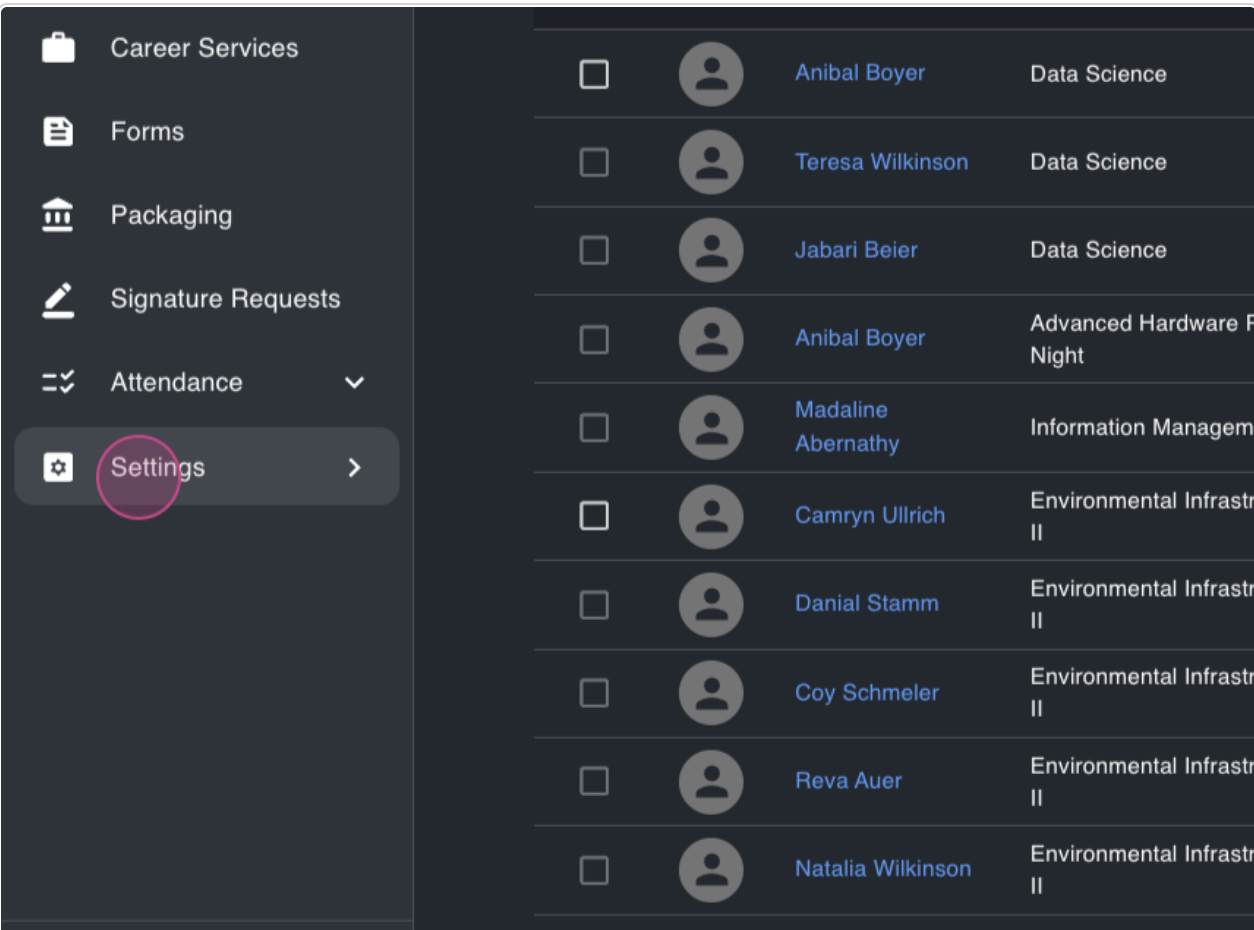
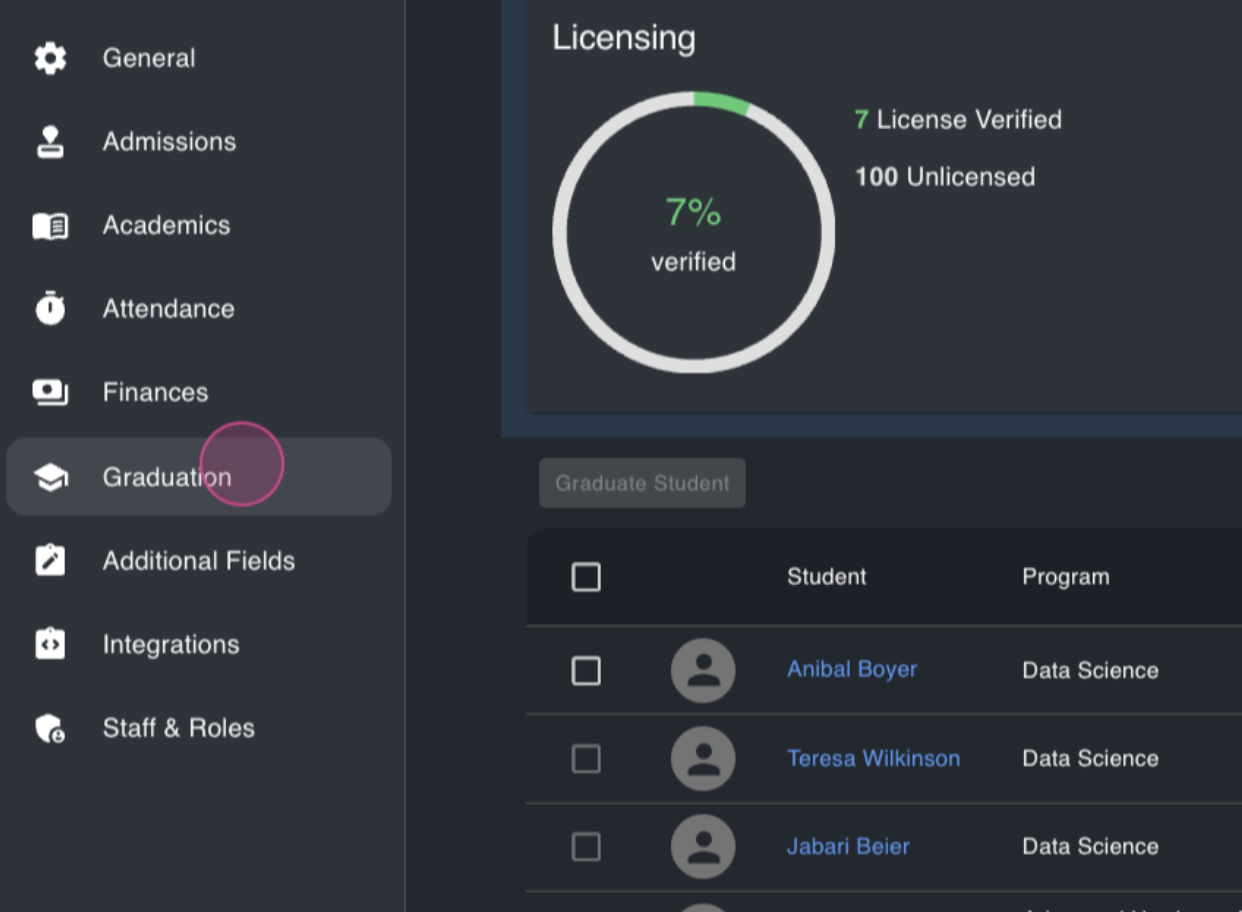
Step 3: From settings, proceed to the graduation section.
Step 4: Here, you'll find the student's graduation eligibility threshold. This represents the percentage of the program a student needs to complete to appear in the graduation module.
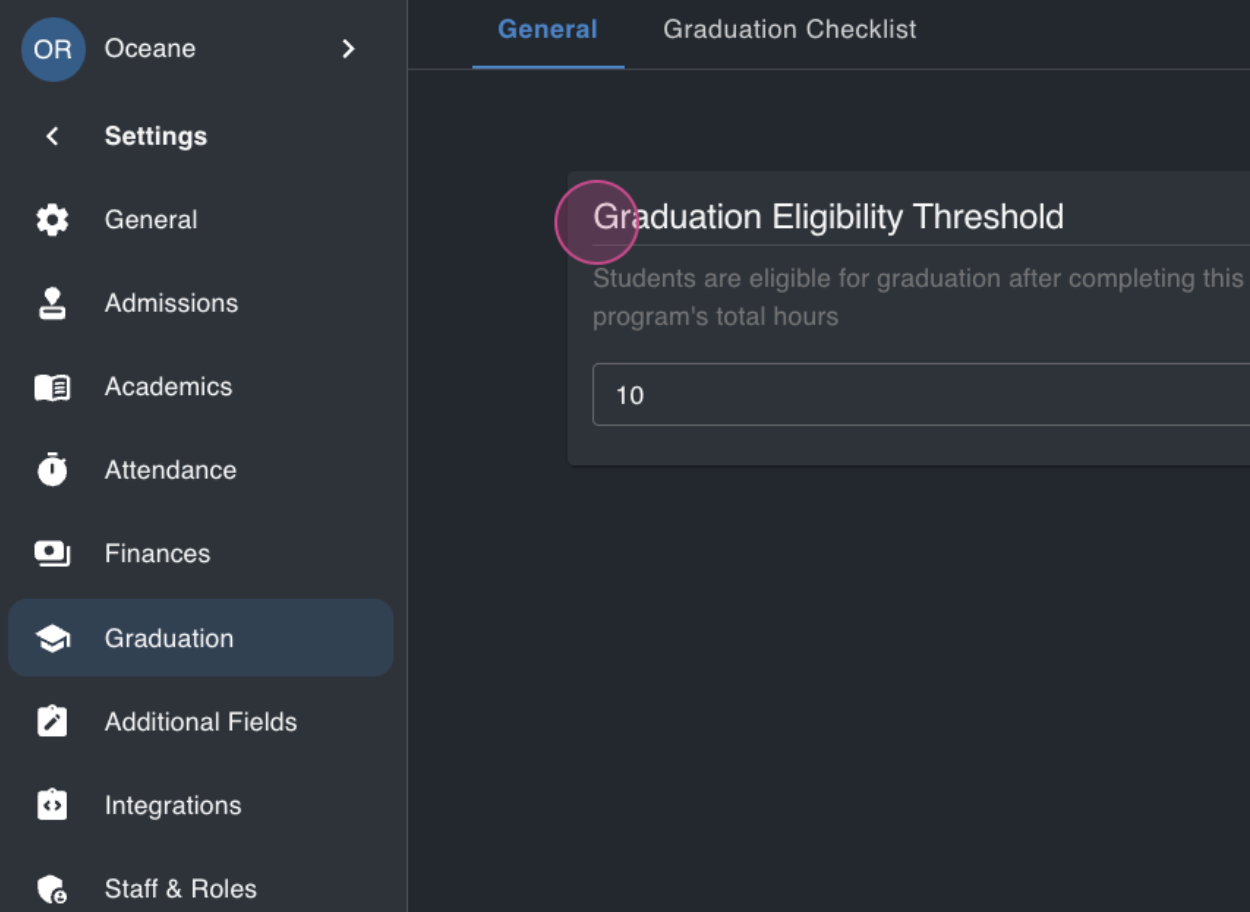
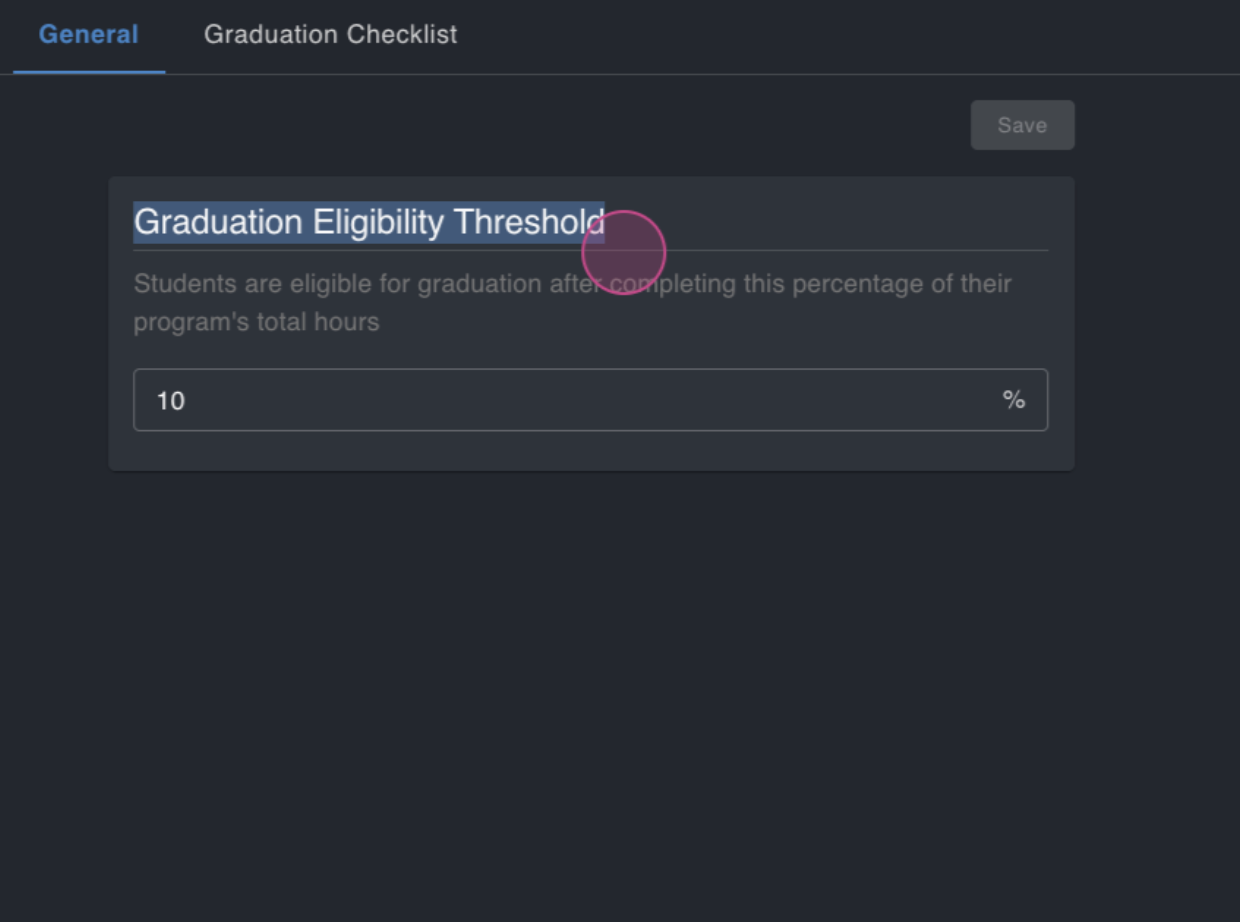
In this demo, the threshold is set at 10%. However, this varies from school to school. Some set it at 90%, while others set it at 0%, meaning all students automatically appear in the graduation module.
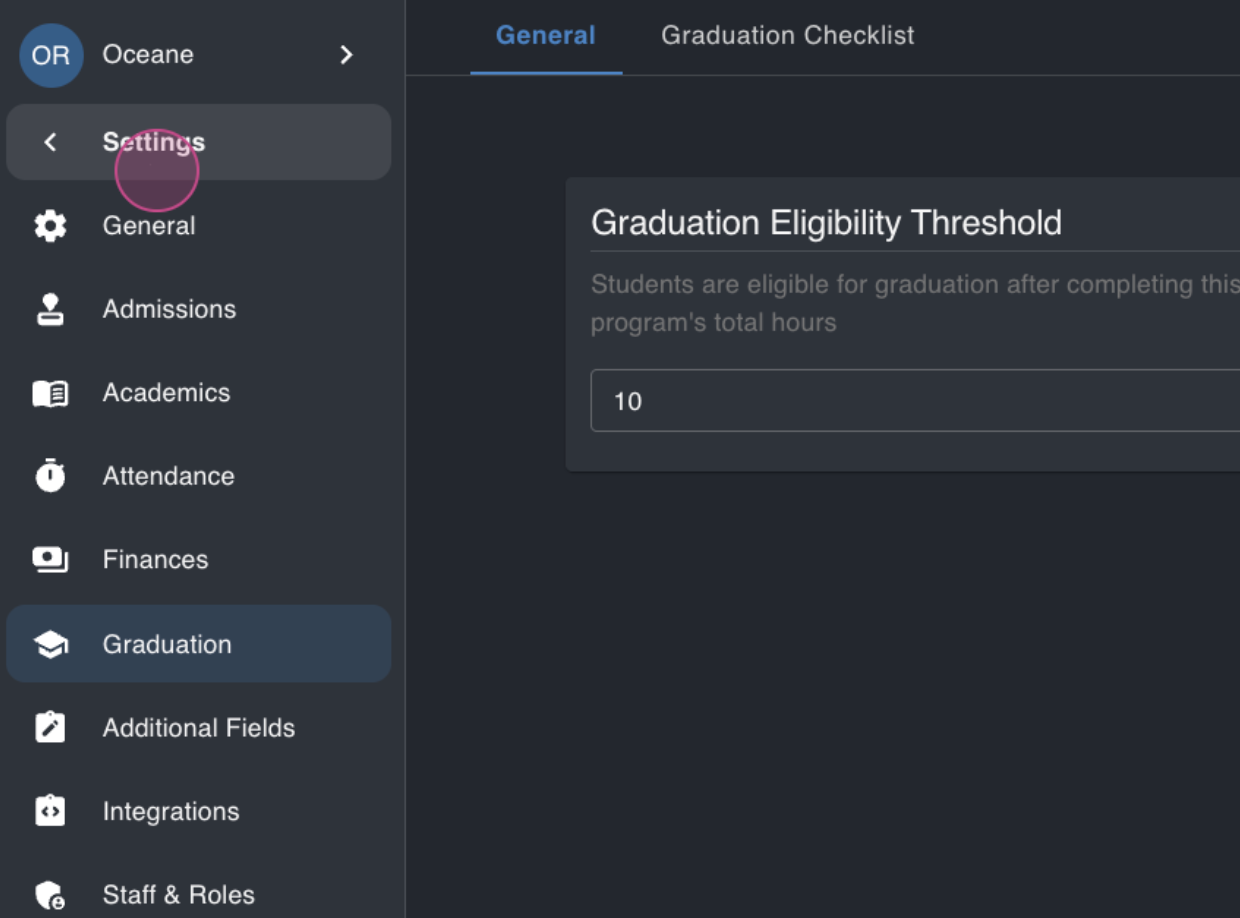
Step 5: After configuring the threshold, return to the graduation module.
Here, you'll find students ready for graduation.
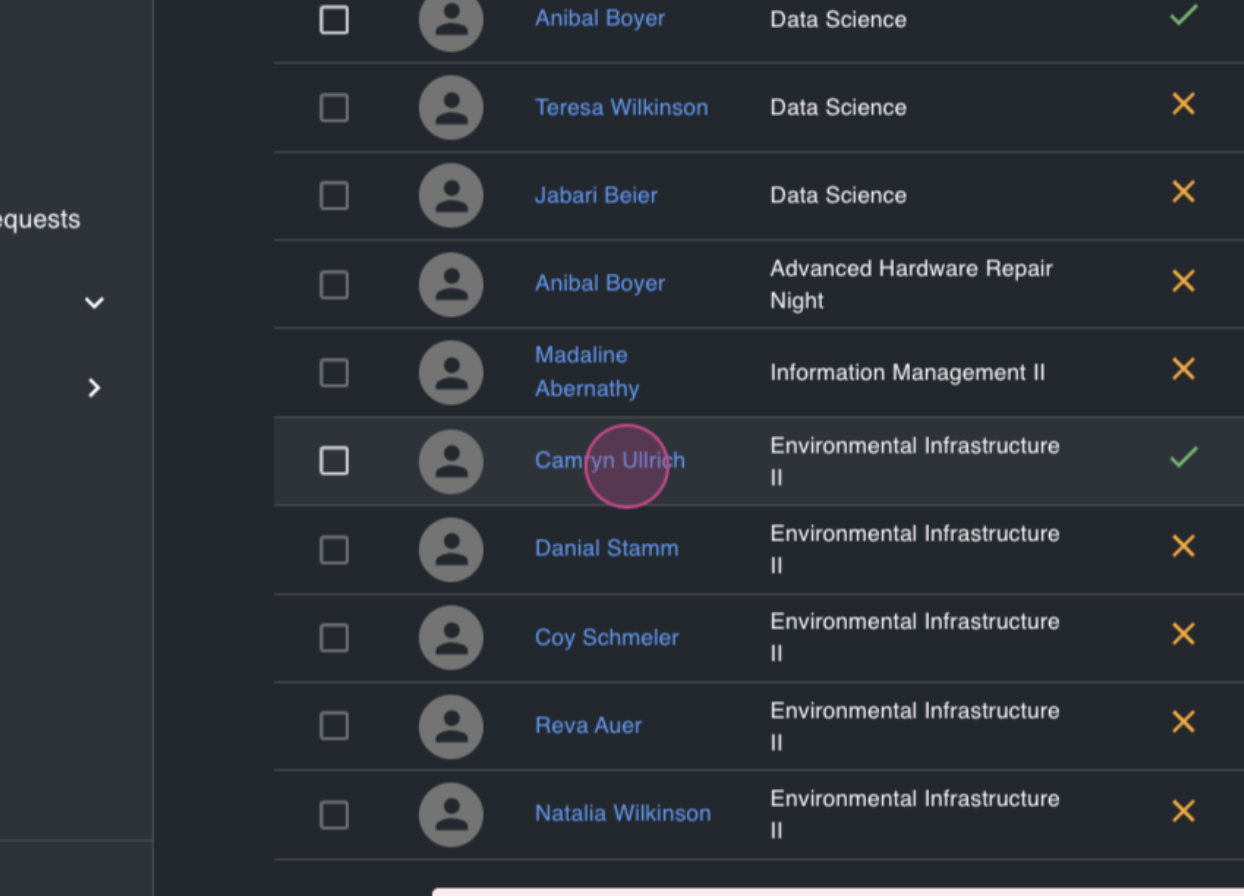
Step 6: Click on a student to view their details.
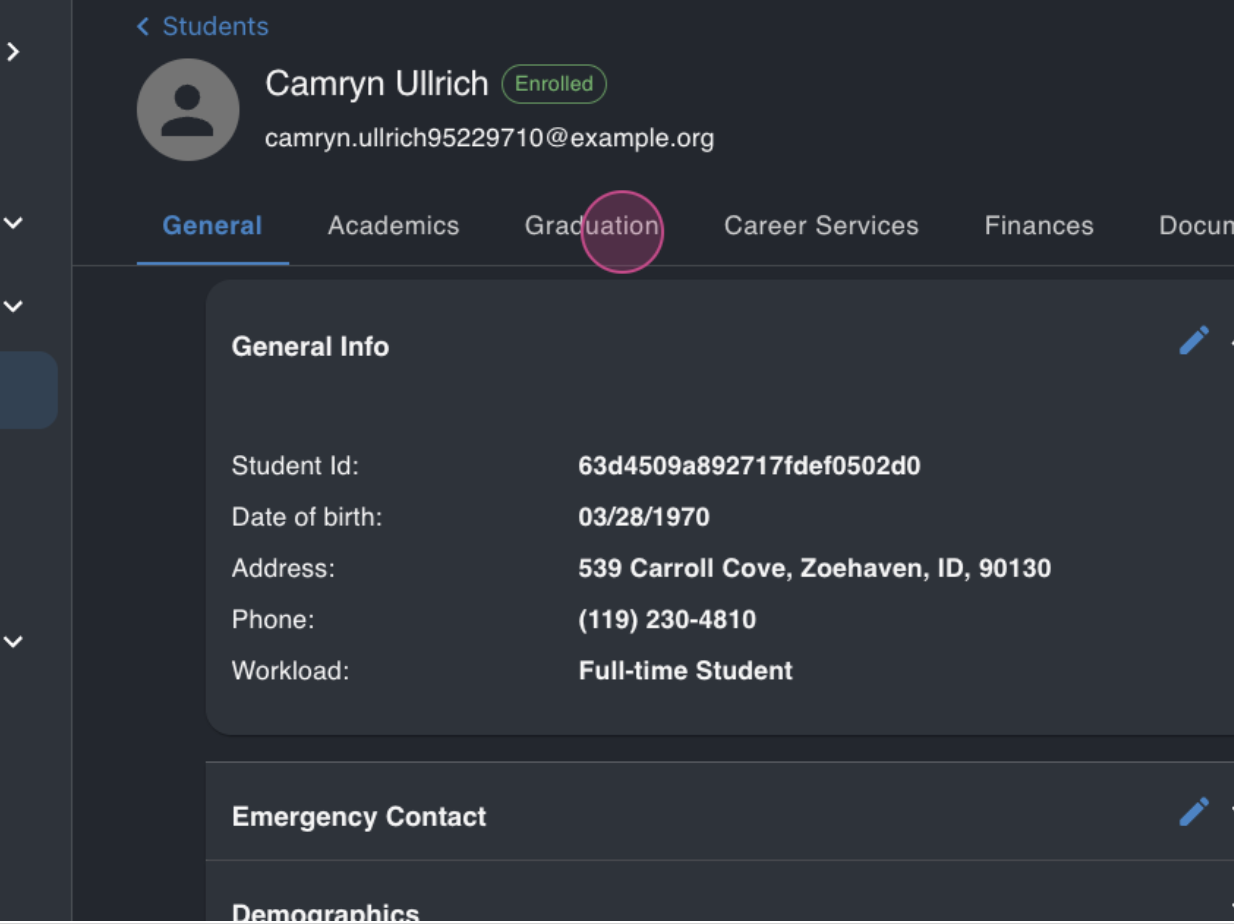
You'll see if the student has completed their program and whether they owe any money to the school.
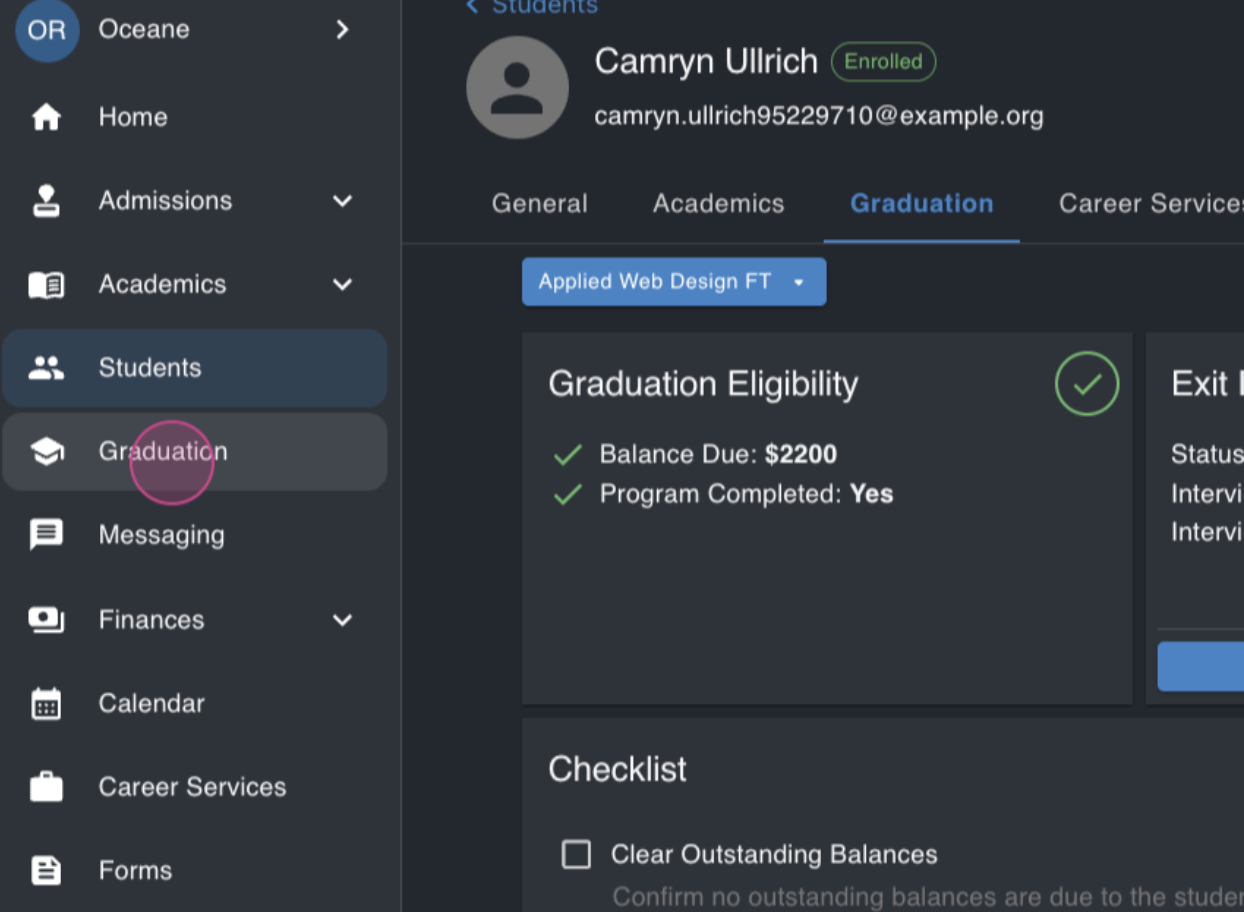
Step 7: Back in the graduation module, let's look at another student, Annabelle.
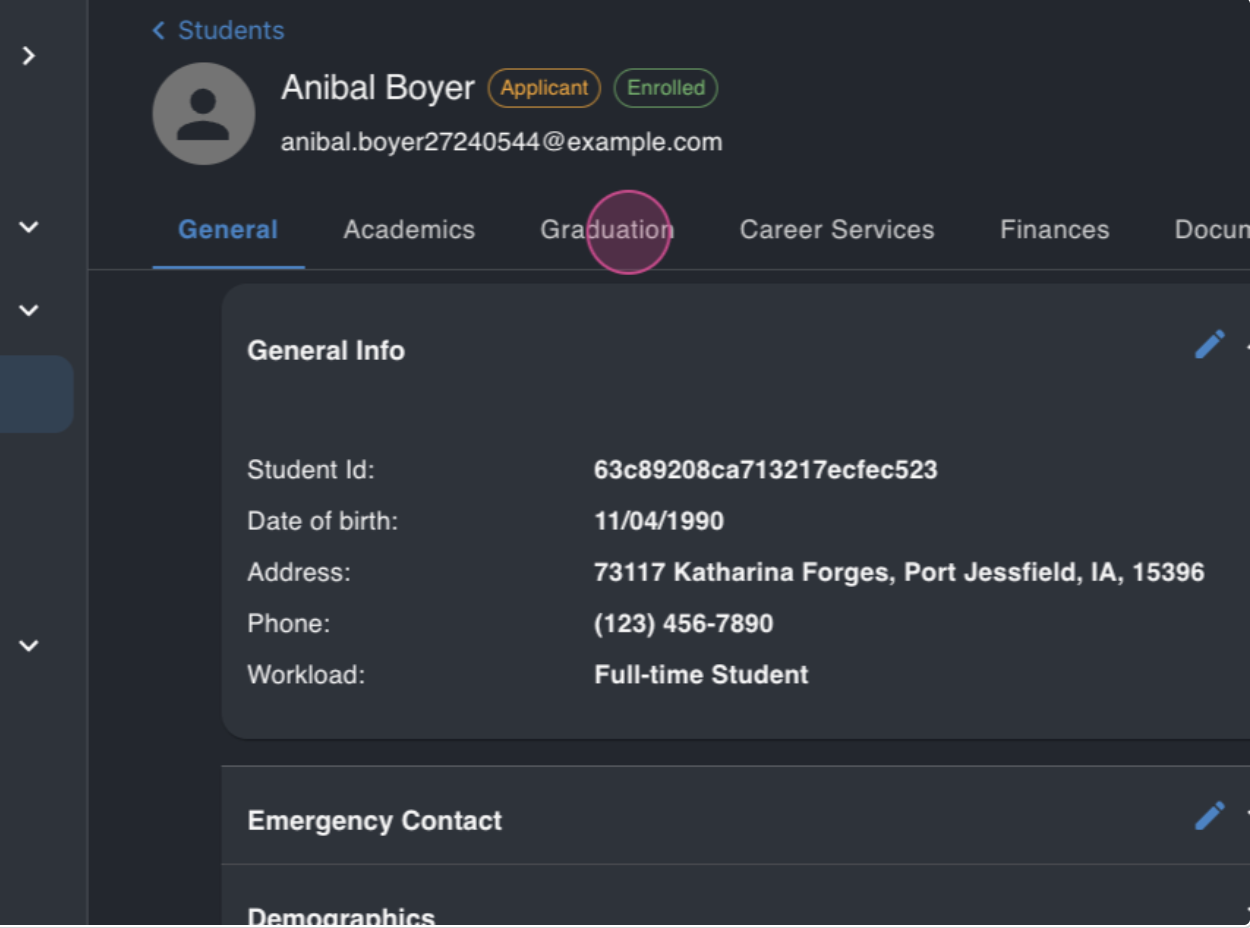
You'll see that she has also completed her program and doesn't owe any money.
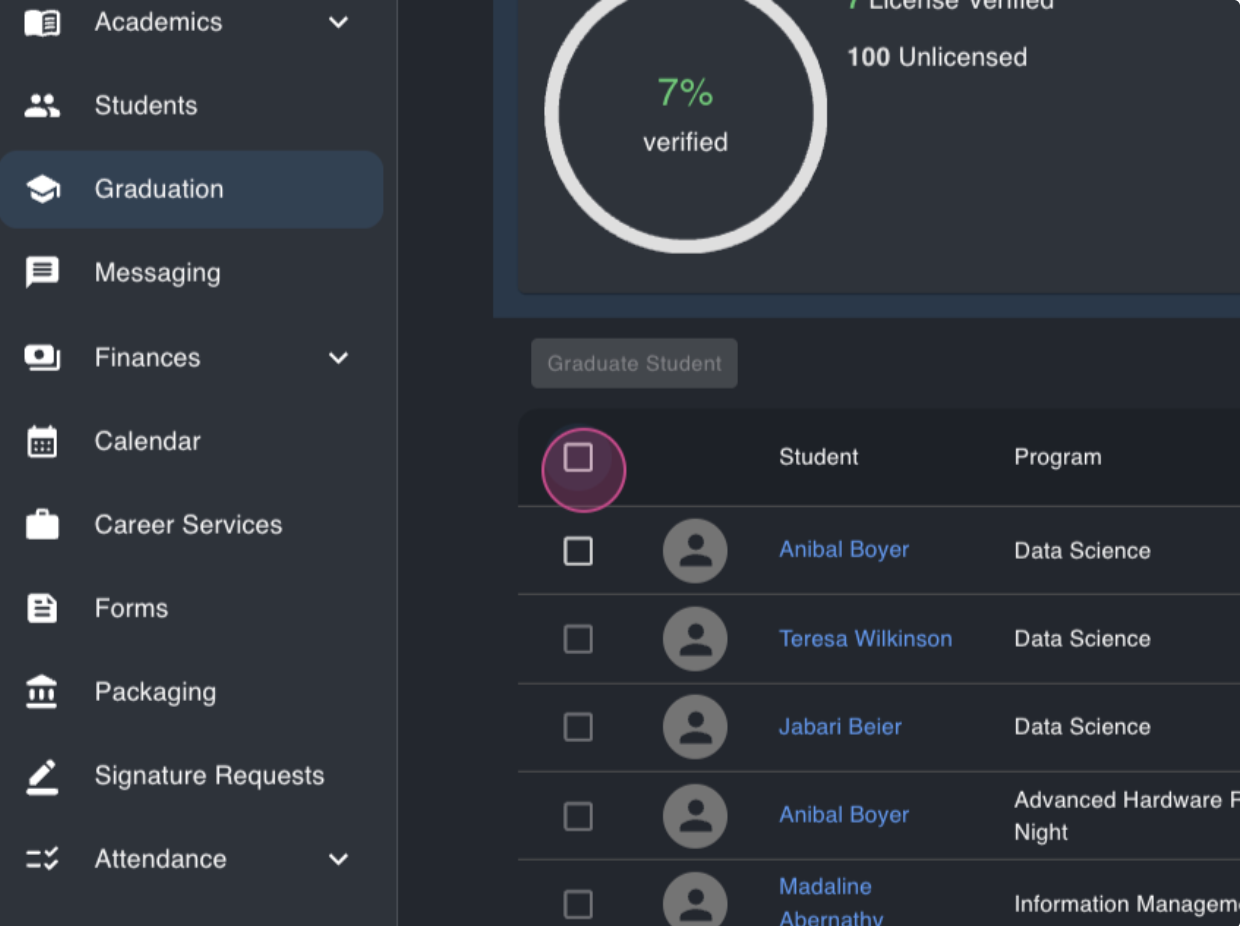
Step 8: Now, let's graduate these students. Select them and click the graduate students button.
Step 9: Enter the graduation date for these students. You can enter a future date or select a past one.
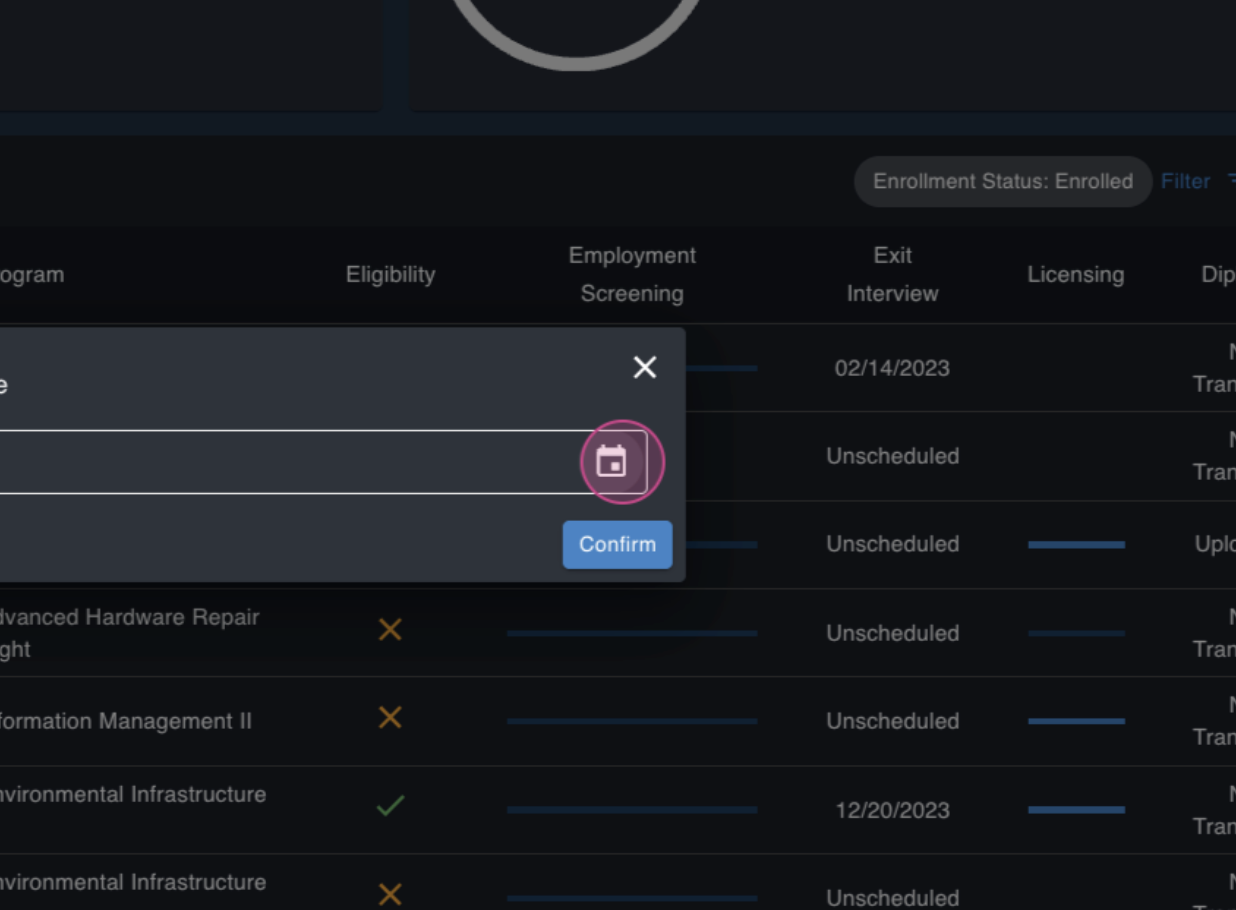
Step 10: Click confirm. The selected students are now graduated.
Step 11: To view all graduated students, apply the graduated filter.
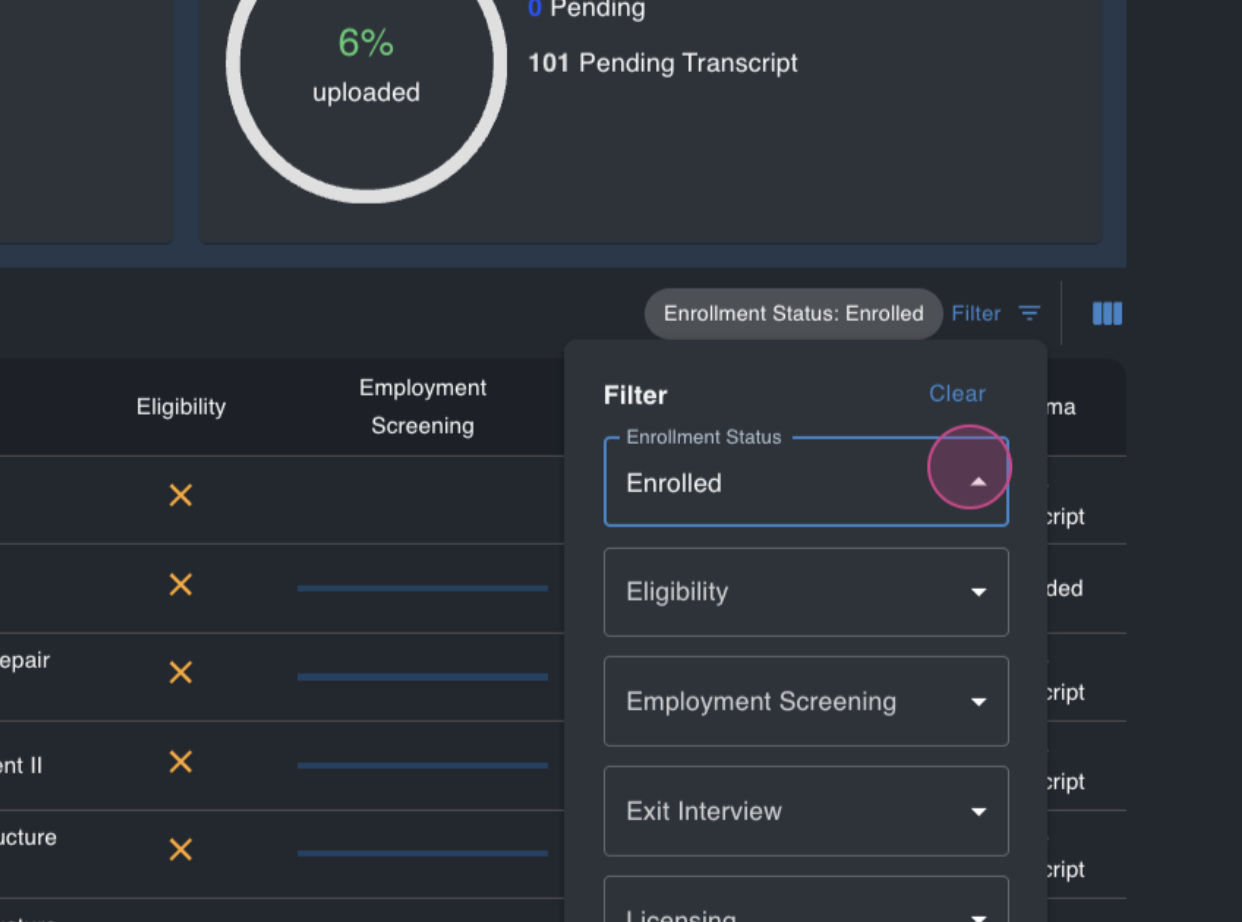
That's it! You've successfully graduated students in MyPath. If you have any questions, don't hesitate to reach out.
FAQs
Q: What is the graduation eligibility threshold?
A: This is the percentage of the program a student needs to complete to appear in the graduation module. It varies from school to school.
Q: What does it signify if I set the graduation eligibility threshold to 0%?
A: Setting the threshold to 0% means all students automatically appear in the graduation module.
Q: Can I enter a future graduation date for a student?
A: Yes, you can enter a future graduation date when graduating a student. The Graduation Date does not need to be today's current date.