Editing Document Details
Last updated: February 5, 2026
Video
Step-by-Step Guide
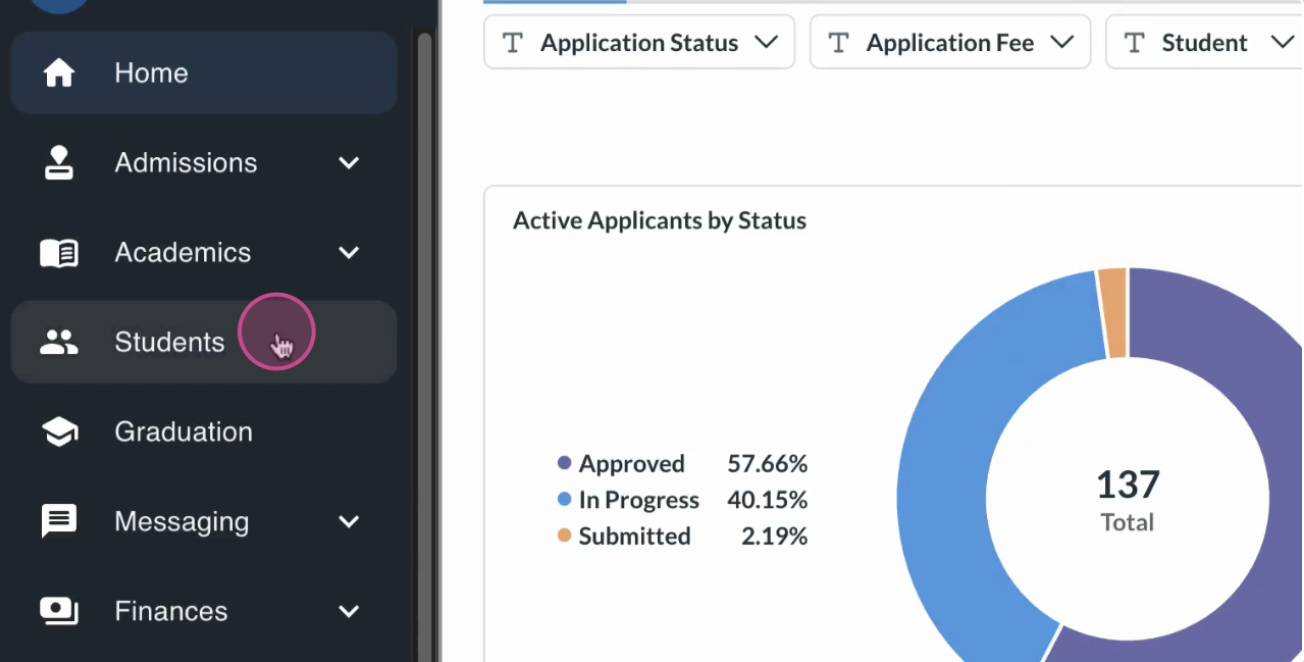
Open the students table and find the student whose documents you want to edit — for this example, select Lorine.
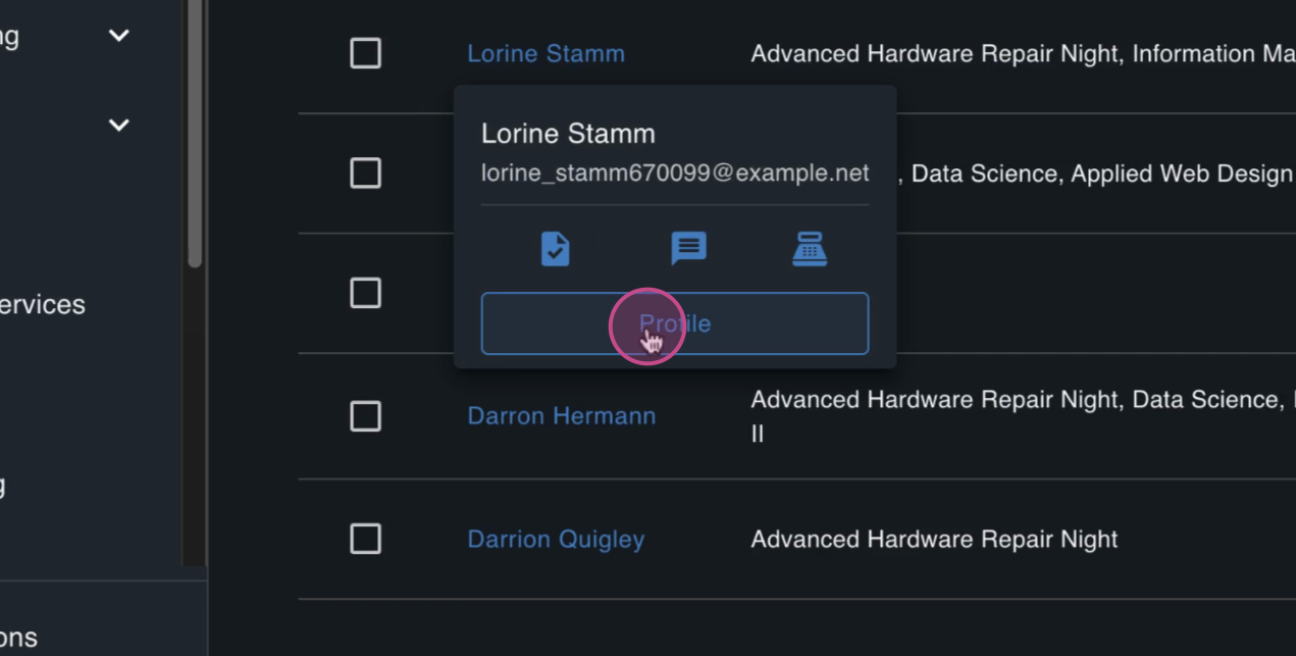
Click into Lauren's Student page to open her record.
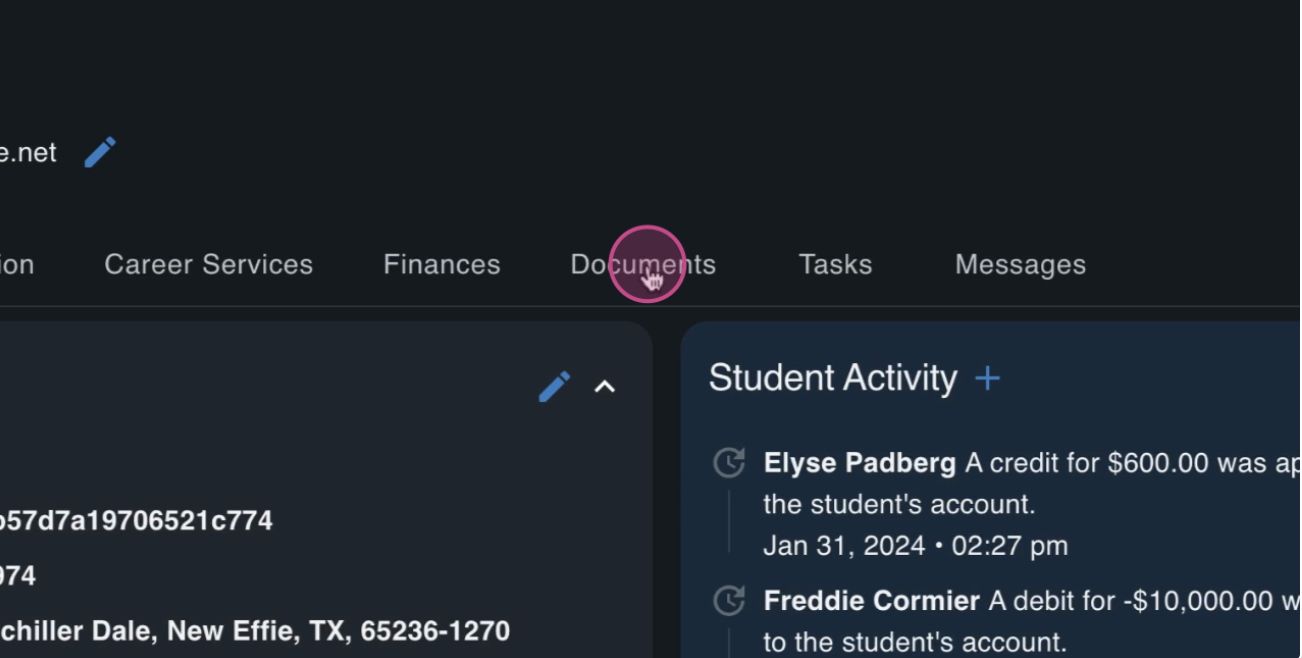
Open the Documents tab to list all documents uploaded for this student.
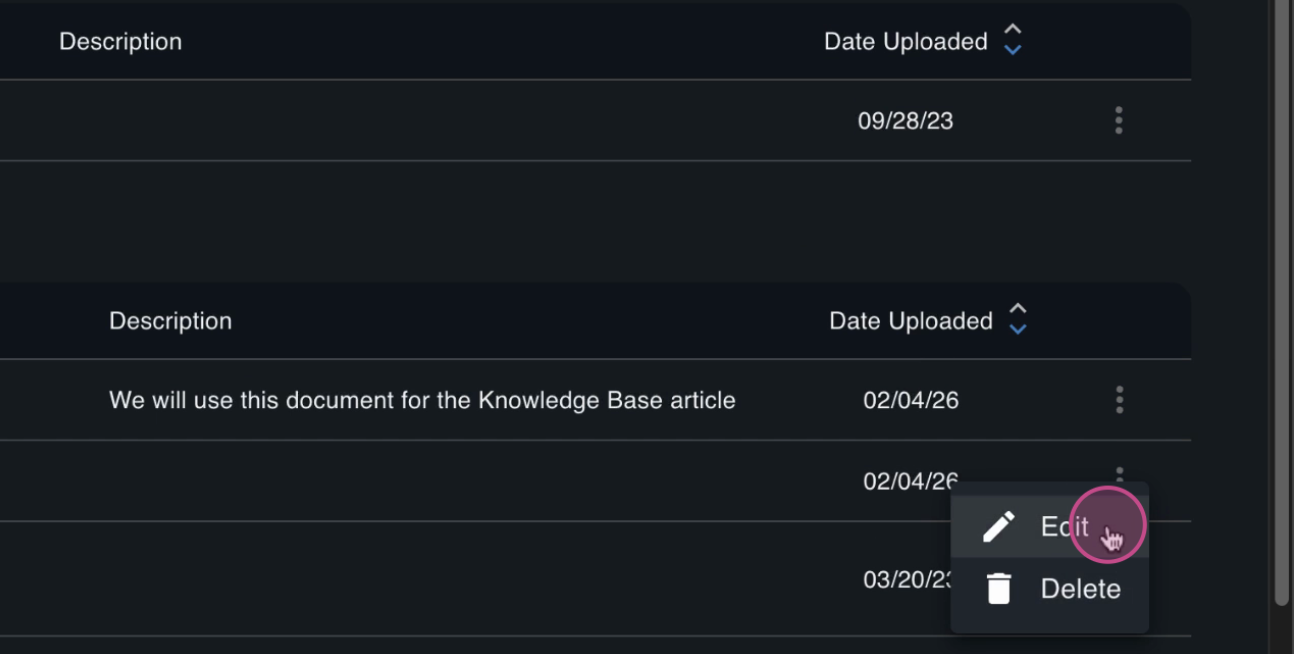
Find the target document row, open the action menu at the end of the row, and select Edit.
Edit Document details
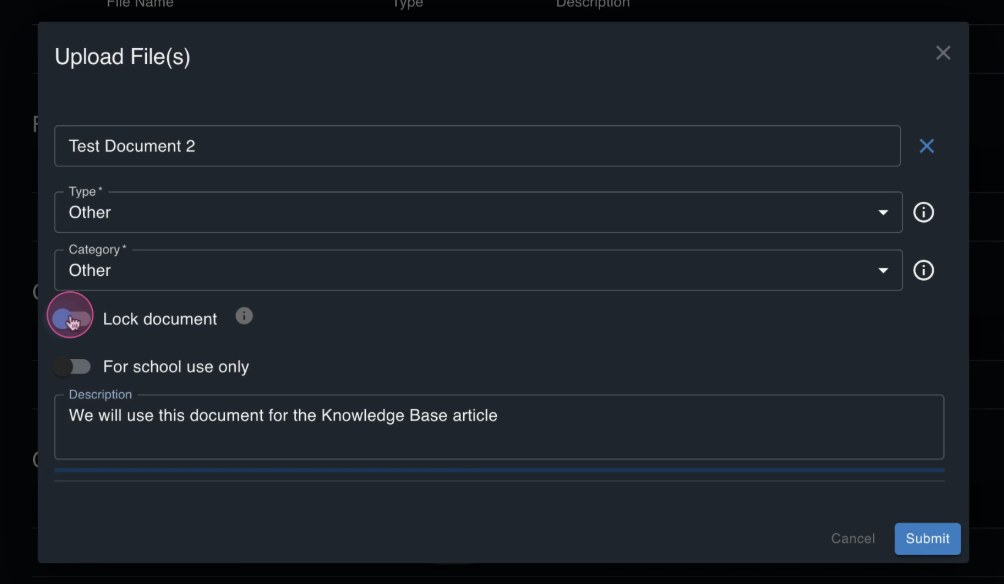
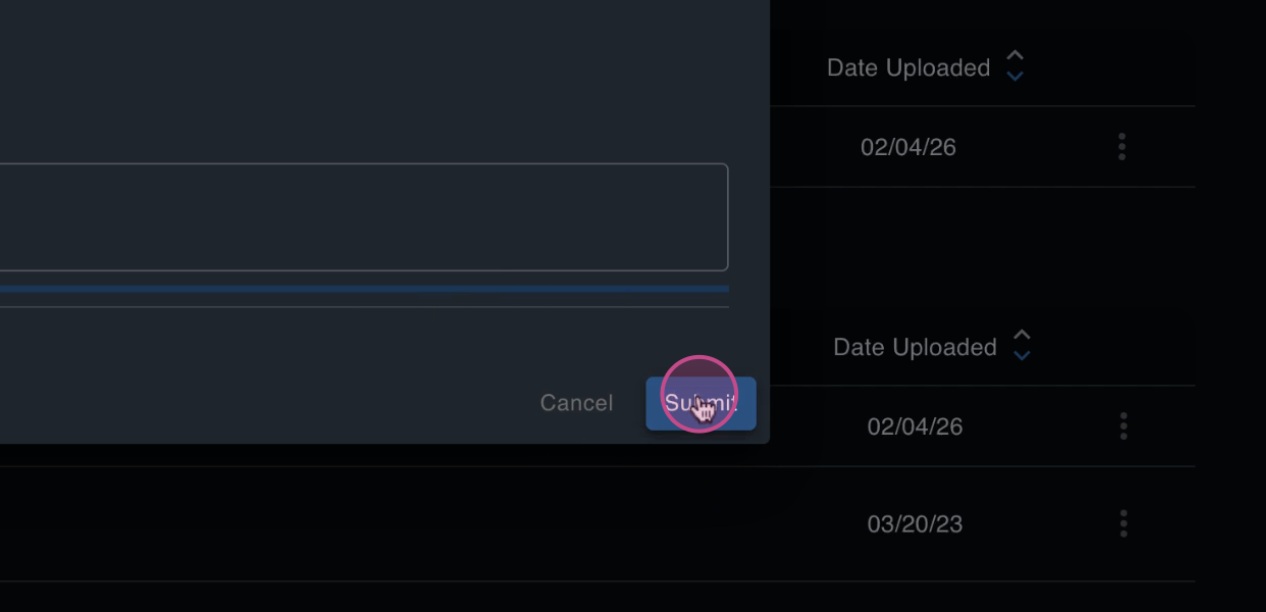
Click 'Submit' to Save the changes