Force Approve an In-Progress Applicant
Last updated: December 26, 2025
Video
Step-by-Step Guide
Welcome to this tutorial on MyPath. By the end of this guide, you'll know how to force-approve an applicant's in-progress application. This will ensure the applicant can be enrolled quickly if needed.
Step 1: Start by expanding the Admissions section of MyPath.
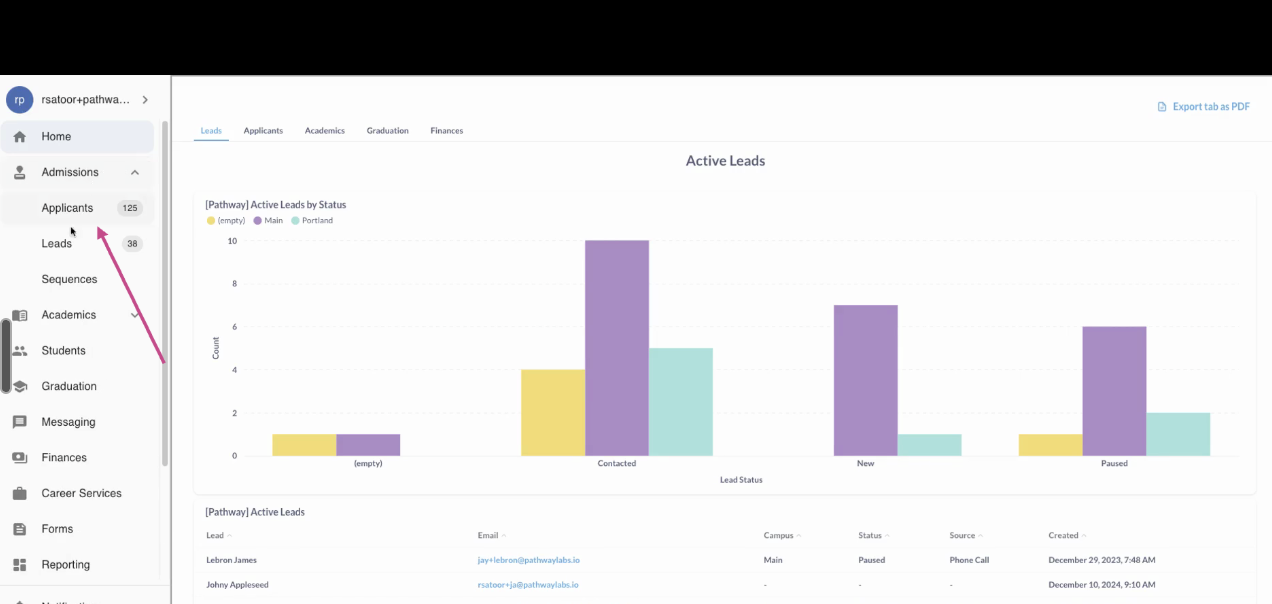
Step 2: Click on the Applicants page.
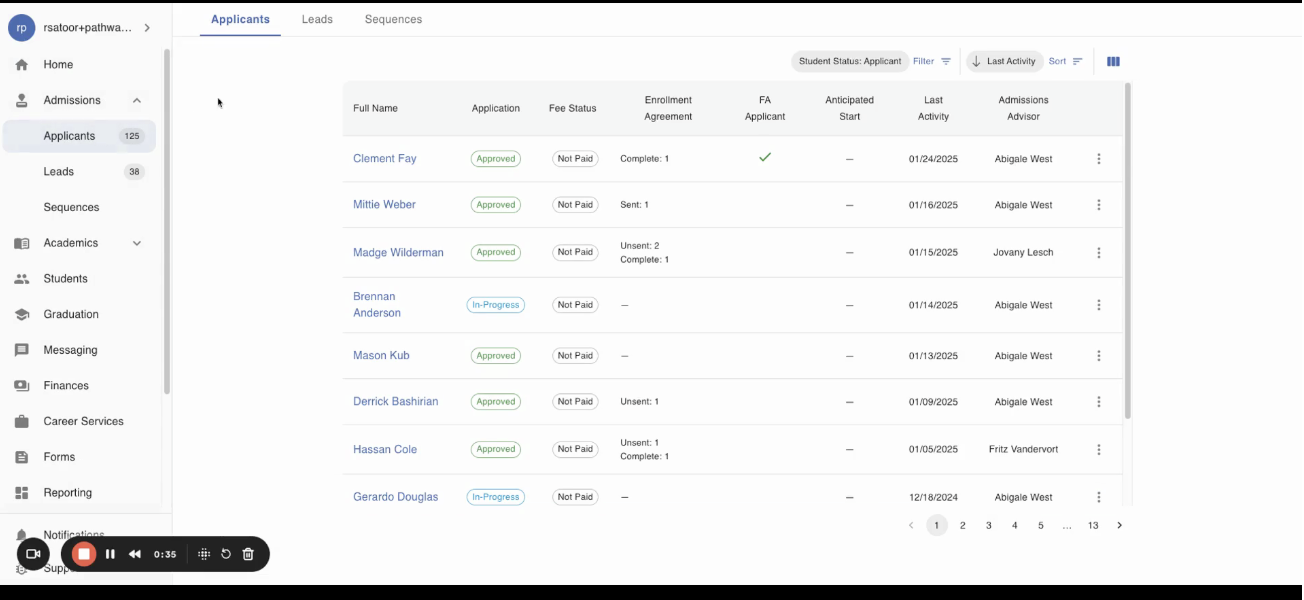
Step 3: Select the in-progress Applicant you would like to force-approve
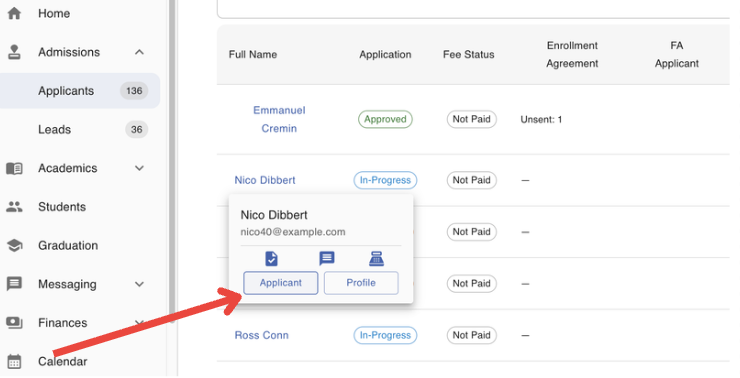
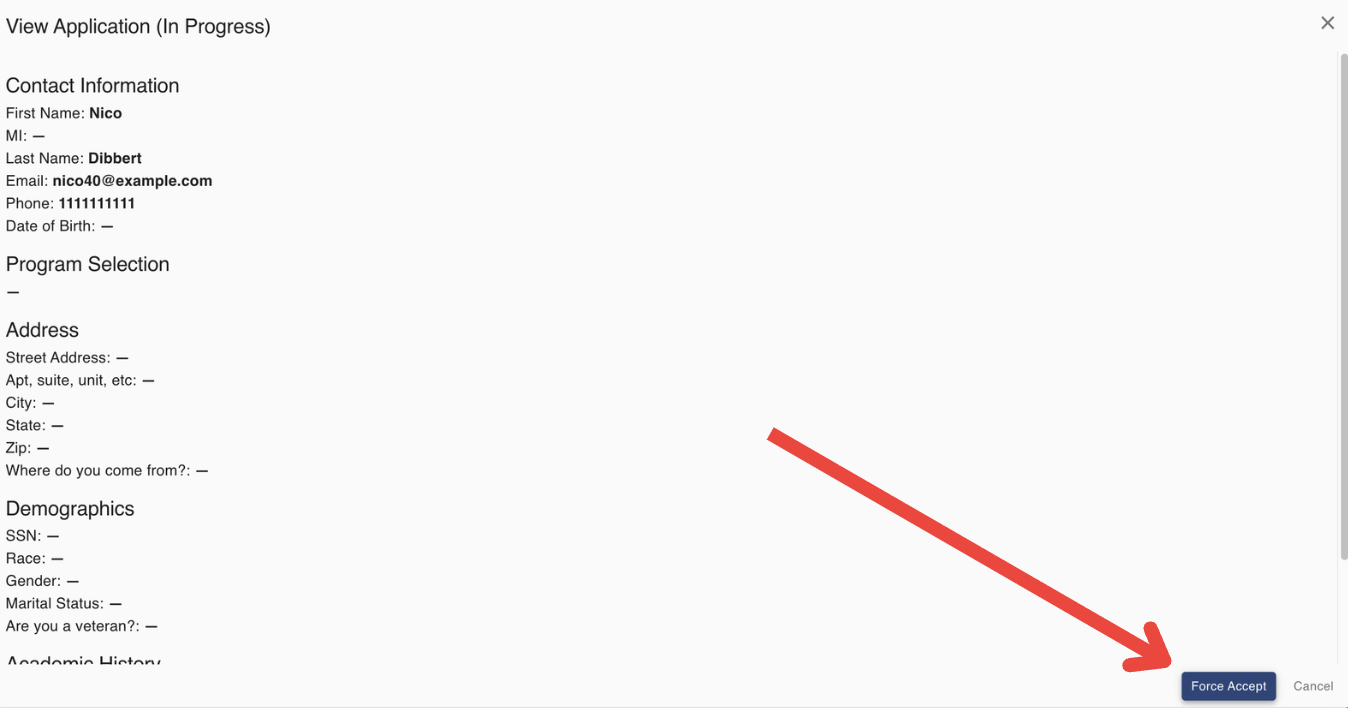
Step 4: Click "View Application" to view the information that has been provided by the applicant so far.
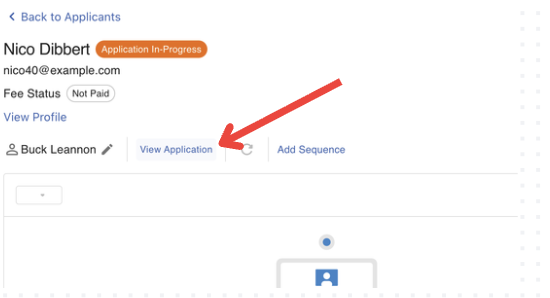
Step 5: Click the "Force Accept" button in the bottom-right hand corner.
If you need assistance with Force Approving an In-Progress application, don't hesitate to contact your customer success representative.
FAQs
How can I tell if an Online Student Application was force approved?
The system will automatically generate an Activity which can be found in the student's Activity List.